
⚡ Key Takeaways
- Start With Your Monitor, Not the GPU
- Decode the Key Specifications
- Match the GPU to Your Power Supply
- Check Physical Fit and Cooling
- Ray Tracing, Upscaling, and Features
- Set a Realistic Budget
- Don’t Forget the External GPU Option
- A Quick Pre-Purchase Checklist
- Related Guides
- Frequently Asked Questions
- Final Thoughts
- Related Articles
- Related Guides

Dropped $115.00

Editor's Pick
EVGA GeForce GTX 1060 3GB GAMING, ACX 2.0 (Single Fan), 3GB GDDR5, DX12 OSD Support (PXOC) Graphics Cards 03G-P4-6160-KR
Dropped $103.75

Dropped $9.12

Dropped $16.87

As an Amazon Associate we earn from qualifying purchases at no extra cost to you. Product prices and availability are accurate as of the date shown and are subject to change.






- The most common mistake buyers make is picking a GPU first and figuring out everything else later.
- You don't need an engineering degree, but a handful of numbers tell you most of what a card can do.
- A graphics card is only as stable as the power feeding it.
- Even the perfect card is useless if it doesn't fit your case.
Learning how to choose a graphics card is the single most impactful decision you will make when building or upgrading a gaming PC. The GPU determines your frame rates, the resolutions and refresh rates you can realistically target, and whether features like ray tracing and AI upscaling are actually usable. With NVIDIA’s RTX 50-series (Blackwell) and AMD’s Radeon RX 9000 (RDNA 4) cards now widely available in 2026, there is more choice than ever, but also more confusion. This guide walks you through every factor that matters, in plain language, so you can match a card to your monitor, your case, your power supply, and your budget without overpaying.
Related: best low-profile graphics cards.
Related: best external GPU enclosures.
Related: RTX 5090 vs RTX 5080.
Related: best GPUs for 4K gaming.
Related: best GPUs for 1440p gaming.
Start With Your Monitor, Not the GPU
The most common mistake buyers make is picking a GPU first and figuring out everything else later. Your monitor’s resolution and refresh rate define how much GPU horsepower you actually need. Pairing a $1,000 graphics card with a 1080p 60Hz display wastes most of what you paid for, while a budget card on a 4K 144Hz panel will leave you stuttering.
- 1080p (1920×1080): The easiest target. Mid-range cards like the RTX 5060 or RX 9060 XT push high frame rates here with room to spare.
- 1440p (2560×1440): The current sweet spot for price-to-performance. An RTX 5070 or RX 9070 handles modern titles at high settings and 100+ FPS.
- 4K (3840×2160): Demanding. You’ll want an RTX 5080, RTX 5090, or RX 9070 XT to stay above 60 FPS in the latest games with high settings.
Decode the Key Specifications
You don’t need an engineering degree, but a handful of numbers tell you most of what a card can do. VRAM (video memory) holds textures and frame buffers; 8GB is the bare minimum in 2026, 12GB is comfortable for 1440p, and 16GB or more is recommended for 4K and heavily modded games. Memory bandwidth and bus width affect how fast that VRAM feeds the GPU. CUDA cores (NVIDIA) and stream processors (AMD) roughly indicate raw shading power within a single architecture, though you can’t compare counts across brands directly.
TDP (thermal design power) tells you how much heat and electricity the card draws, which feeds directly into your power supply and cooling planning. For a deeper breakdown of every number on a spec sheet, our companion guide on the best graphics cards reviewed and compared shows how these translate into real-world results.
Match the GPU to Your Power Supply
A graphics card is only as stable as the power feeding it. Modern flagship cards are power-hungry, and an undersized or low-quality PSU causes crashes, shutdowns, and in rare cases hardware damage. The table below lists recommended PSU wattage for popular 2026 cards.
| GPU | Typical TDP | Recommended PSU | Power Connector |
|---|---|---|---|
| RTX 5060 | 145W | 550W | 1x 8-pin |
| RTX 5070 | 250W | 650W | 12V-2×6 |
| RX 9070 XT | 304W | 750W | 2x 8-pin |
| RTX 5080 | 360W | 850W | 12V-2×6 |
| RTX 5090 | 575W | 1000W+ | 12V-2×6 |
Always use the native cable that ships with your PSU rather than daisy-chaining adapters, and seat the 12V-2×6 connector fully until it clicks. A reliable GPU power supply cable is cheap insurance against melted connectors on high-wattage cards.
Check Physical Fit and Cooling
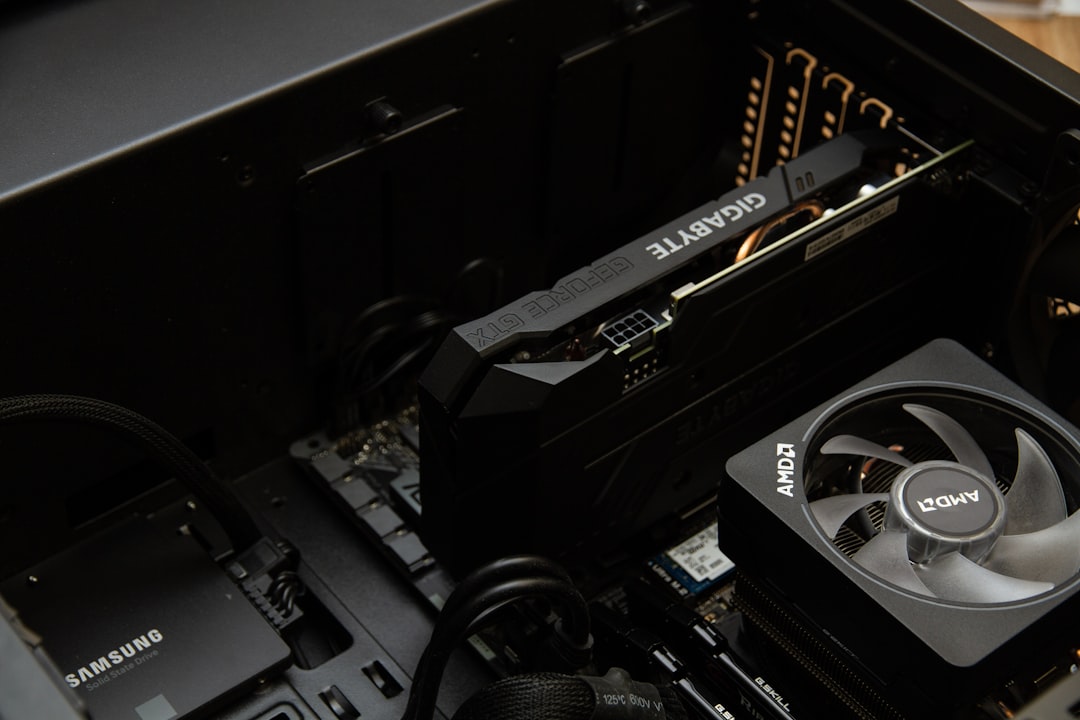
Even the perfect card is useless if it doesn’t fit your case. Measure your case’s maximum GPU length, and confirm the card’s slot height (many flagships are 3 to 3.5 slots thick) won’t block other components. Small-form-factor builds have the tightest constraints; if space is at a premium, consider a compact model from our roundup of the best low-profile graphics cards.
Cooling Considerations
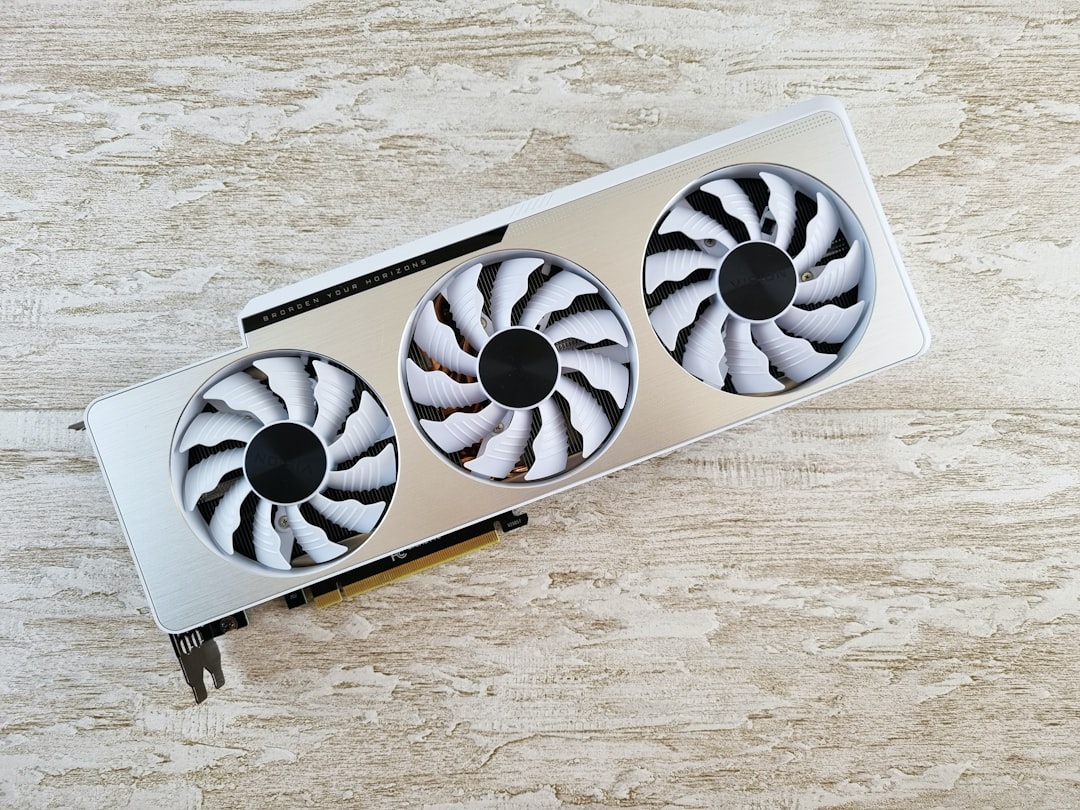
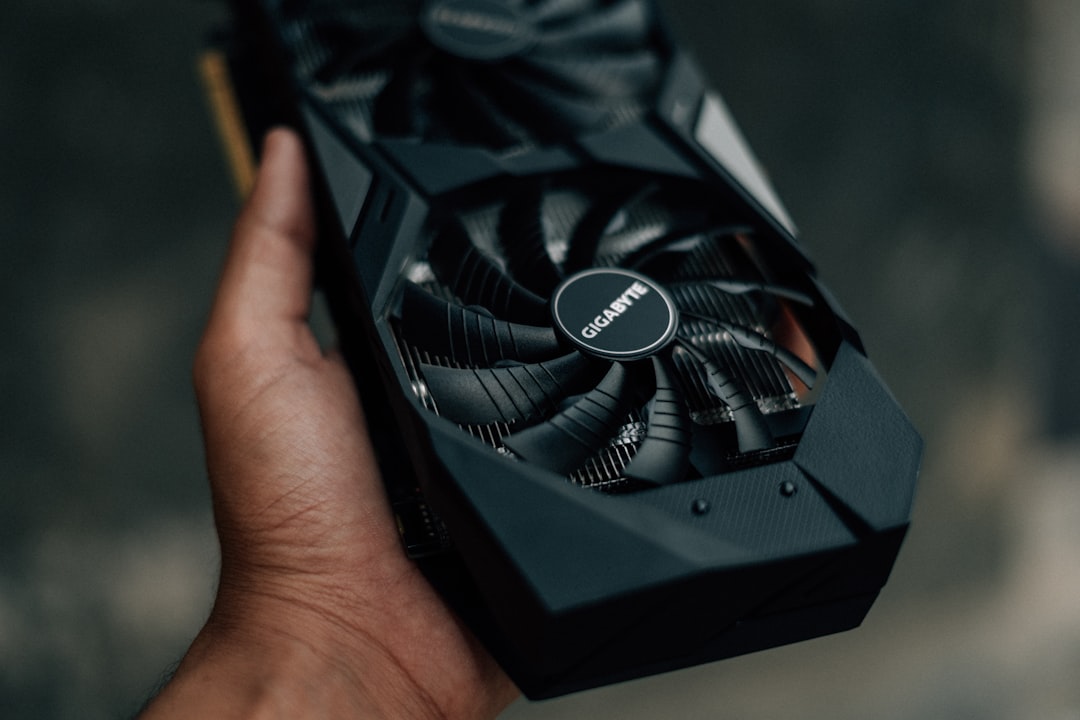
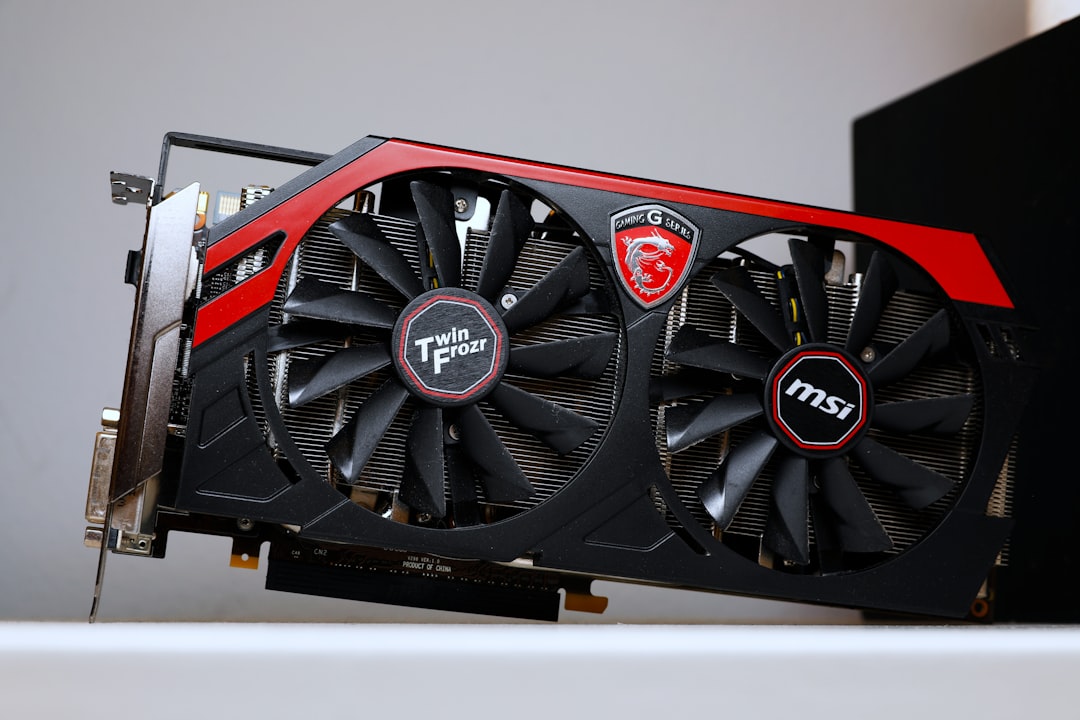
Larger triple-fan coolers run quieter and cooler than blower-style or dual-fan designs, but they need airflow. Ensure your case has adequate intake fans. Enthusiasts pushing flagship cards sometimes add an AIO GPU cooler to keep temperatures and noise in check during long sessions.
Ray Tracing, Upscaling, and Features
Beyond raw frame rates, modern GPUs differentiate on features. NVIDIA leads in ray tracing performance and offers DLSS 4 with multi-frame generation, which can dramatically boost frame rates in supported titles. AMD’s FSR 4 has closed much of the image-quality gap and is now genuinely competitive. If you play visually rich single-player games and want the best lighting, NVIDIA’s RT advantage matters. If you mostly play competitive titles where raw rasterization rules, AMD often delivers more frames per dollar.
How Much Each Feature Costs You
It helps to think about features in terms of price premiums. Stronger ray tracing and DLSS 4 typically command a premium on NVIDIA cards, while AMD trades some RT performance for more rasterization and VRAM at a given price. Decide which of these you’ll actually use before paying for them. A player who never touches single-player ray-traced games shouldn’t pay extra for class-leading RT, just as a creator who renders video every day shouldn’t skimp on VRAM and CUDA support to save a few dollars.
Set a Realistic Budget
Decide how long you want the card to last. Spending a little more on VRAM and a stronger tier today often extends a card’s useful life by a year or two, which usually beats buying cheap and upgrading sooner. As a rule of thumb, aim to spend roughly the same on your GPU as on the rest of your core components combined for a balanced gaming build, then adjust based on your resolution target.
Resist the temptation to buy the absolute cheapest card that technically runs your games today. The pixels, settings, and frame rates you’ll want in two years are higher than what satisfies you now, and a card with no headroom forces a premature upgrade. Equally, don’t overbuy a flagship for a 1080p display you have no plans to replace. The smartest spend is the one that lands one comfortable step above your current needs.
Don’t Forget the External GPU Option
Not every gamer is building a desktop. If you’re on a laptop or a small system and want desktop-class graphics, an external GPU enclosure lets you connect a full-size card over Thunderbolt or USB4. It’s a niche path with some performance overhead, but for mobile users it can transform a thin laptop into a capable gaming machine. Our guide to the best external GPU enclosures covers the trade-offs and compatibility details if this route appeals to you.
A Quick Pre-Purchase Checklist
Before you click buy, run through this list to avoid the most common and most expensive mistakes:
- Confirm your monitor’s resolution and refresh rate, and pick a card sized to it.
- Verify the card physically fits your case (length and slot height).
- Check your PSU meets the recommended wattage with headroom.
- Confirm you have the correct power connector and a quality cable.
- Make sure your CPU won’t severely bottleneck the card at your resolution.
- Decide which features (ray tracing, upscaling, VRAM for creation) you’ll actually use.
- Compare third-party models for better cooling, lower noise, or better pricing.
Frequently Asked Questions
How much VRAM do I really need in 2026?
For 1080p, 8GB is acceptable but tight. For 1440p, aim for 12GB. For 4K or heavily modded games, 16GB or more prevents texture stutter and future-proofs your purchase.
Is it worth buying last-generation cards to save money?
Sometimes. Previous-gen cards can be great value at a discount, but check that they still support current features like the latest upscaling and have enough VRAM for your resolution.
Do I need a high-end CPU to match a powerful GPU?
You need a balanced pairing. A weak CPU will bottleneck a strong GPU, especially at 1080p. At 4K the GPU does most of the work, so CPU demands ease somewhat.
Should I buy a Founders Edition or a third-party card?
Both are fine. Third-party (AIB) cards often have beefier coolers and factory overclocks, while Founders Editions tend to be more compact. Choose based on cooling, noise, size, and price.
How do I know if a card will fit my case?
Check the card’s length and slot width against your case’s published clearance specs. Compact cases may require shorter or low-profile models.
Final Thoughts
Choosing a graphics card comes down to matching your monitor, power supply, case, and budget rather than chasing the biggest number on a box. Decide your resolution target first, confirm VRAM and physical fit, size your PSU correctly, and weigh which features you’ll actually use. Do that, and you’ll land on a card that delivers smooth, reliable performance for years without overspending.

Write Your Review
No reviews yet. Be the first to share your experience!