
⚡ Key Takeaways
- CUDA Cores and Stream Processors
- VRAM: Video Memory Explained
- Memory Bus Width and Bandwidth
- Clock Speeds: Base and Boost
- TDP and Power Draw
- RT Cores and Tensor Cores
- Interface, Outputs, and Connectivity
- Cooler Design and Power Connectors
- Putting the Specs Together
- Top-Rated Picks
- Related Guides
- Frequently Asked Questions
- Conclusion
- Related Articles
- CUDA cores (on NVIDIA GPUs) and stream processors (on AMD GPUs) are the parallel processing units that do the heavy lifting of rendering.
- VRAM (video random access memory) stores the textures, frame buffers, and assets your GPU needs instantly.
- The memory bus (measured in bits, like 128-bit, 256-bit, or 384-bit) is the width of the highway between the GPU and its VRAM.
- Clock speed, measured in MHz or GHz, is how many cycles the GPU runs per second.
If you’ve ever stared at a graphics card product page and felt lost, you’re not alone. Getting gpu specs explained in plain English is the fastest way to shop smarter and stop paying for numbers that don’t matter to you. A spec sheet packs a lot of jargon: CUDA cores, VRAM, TDP, memory bus, clock speeds, and more. Each one tells you something specific about how a card behaves in real games. This guide breaks down every major specification on NVIDIA RTX 50-series and AMD Radeon RX 9000 cards so you understand what you’re buying and why it performs the way it does.
As an Amazon Associate we earn from qualifying purchases at no extra cost to you. Product prices and availability are accurate as of the date shown and are subject to change.




Related: best low-profile graphics cards.
Related: RTX 5090 vs RTX 5080.
Related: best GPUs for 4K gaming.
Related: best GPUs for 1440p gaming.
CUDA Cores and Stream Processors
CUDA cores (on NVIDIA GPUs) and stream processors (on AMD GPUs) are the parallel processing units that do the heavy lifting of rendering. More cores generally mean more shading power, which translates to higher frame rates. The RTX 5090 packs over 21,000 CUDA cores, the RTX 5070 around 6,144, and the RTX 5060 roughly 3,840.
Here’s the critical caveat: you can only compare core counts within the same architecture. An NVIDIA CUDA core and an AMD stream processor are designed differently, so 4,000 of one is not equivalent to 4,000 of the other. Even across NVIDIA generations, architectural improvements mean newer cores often do more work each clock cycle. Treat core count as one signal among several, not a definitive ranking.
VRAM: Video Memory Explained
VRAM (video random access memory) stores the textures, frame buffers, and assets your GPU needs instantly. When a game needs more VRAM than the card has, it spills over to slower system memory, causing stutter and frame drops. This is why VRAM capacity is one of the most important specs for longevity.
Think of VRAM as your GPU’s working desk. As long as everything the card needs fits on that desk, work flows smoothly. The moment the desk overflows and the card has to keep fetching things from a slower drawer (system RAM), everything slows down and stutters appear. Crucially, VRAM capacity is binary in its effect: a card either has enough for a given game and setting, or it doesn’t, and there’s no partial credit. This is why a card with a fast core but insufficient VRAM can perform worse than a slower card with more memory in demanding, high-texture scenarios.
| VRAM | Best For | Risk |
|---|---|---|
| 8GB | 1080p gaming | Tight in newer AAA titles at high textures |
| 12GB | 1440p gaming | Comfortable for most games today |
| 16GB | 4K and modded games | Strong headroom, future-proof |
| 24GB-32GB | 4K, content creation, AI | Overkill for pure 1080p gaming |
The type of memory matters too. Modern cards use GDDR6, GDDR6X, or the newer GDDR7, which offers higher bandwidth at lower power. For 4K specifically, our guide to the best GPUs for 4K gaming shows how VRAM and bandwidth shape performance at high resolutions.
Memory Bus Width and Bandwidth
The memory bus (measured in bits, like 128-bit, 256-bit, or 384-bit) is the width of the highway between the GPU and its VRAM. Bandwidth, measured in GB/s, is the total data throughput. A wider bus and faster memory mean the GPU can feed itself textures more quickly, which becomes increasingly important at higher resolutions. A card with plenty of VRAM but a narrow bus can still bottleneck at 4K, so look at both figures together.
Clock Speeds: Base and Boost
Clock speed, measured in MHz or GHz, is how many cycles the GPU runs per second. Cards list a base clock and a higher boost clock; the boost is what the card targets under load when thermal and power headroom allow. Higher clocks mean more performance, but only within the same architecture. Two cards with identical core counts but different clocks will perform differently, and factory-overclocked AIB models push boost clocks higher than reference designs.
TDP and Power Draw
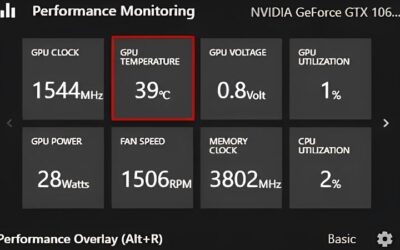
TDP (thermal design power), measured in watts, indicates how much heat the card generates and roughly how much power it pulls. This number drives two practical decisions: how big your power supply needs to be and how much cooling the card requires. A 575W RTX 5090 demands a 1000W+ PSU and excellent case airflow, while a 145W RTX 5060 runs happily on a quality 550W unit.
Why TDP Affects Your Whole Build
High-TDP cards run hotter and louder, and they need robust power delivery through the correct GPU power supply cable. They also raise case temperatures, which can affect your CPU. Builders chasing quiet, cool operation sometimes add aftermarket solutions from our list of the best GPU cooler fans.
RT Cores and Tensor Cores
NVIDIA RTX cards include two specialized core types beyond CUDA cores. RT cores accelerate ray tracing calculations, enabling realistic lighting, reflections, and shadows. Tensor cores handle AI workloads, most notably DLSS upscaling and frame generation, which boost frame rates by rendering at a lower resolution and intelligently reconstructing the image. AMD’s RX 9000 cards use AI accelerators and ray accelerators to power FSR 4 and hardware ray tracing, achieving similar goals through different hardware.
Interface, Outputs, and Connectivity
Two specs people overlook are the PCIe interface and the display outputs. Modern cards use PCIe 5.0 or 4.0; running a PCIe 5.0 card in an older PCIe 4.0 slot costs only a few percent in most games, so it’s rarely a dealbreaker, but it’s worth knowing. More important are the video outputs. Confirm the card has the connectors your monitor needs, typically DisplayPort 2.1 for high-refresh 4K and HDMI 2.1 for TVs and many gaming monitors. The right output version is what unlocks high refresh rates at high resolution, so check it before buying if you run a demanding panel.
Resizable BAR and Smart Access Memory
A feature worth enabling rather than buying is Resizable BAR (called Smart Access Memory on AMD). It lets the CPU access the entire VRAM at once instead of in small chunks, which can boost performance in many modern games at no cost. It’s a BIOS setting on supported platforms, not a spec you pay extra for, but it’s part of getting full performance from your card.
Cooler Design and Power Connectors
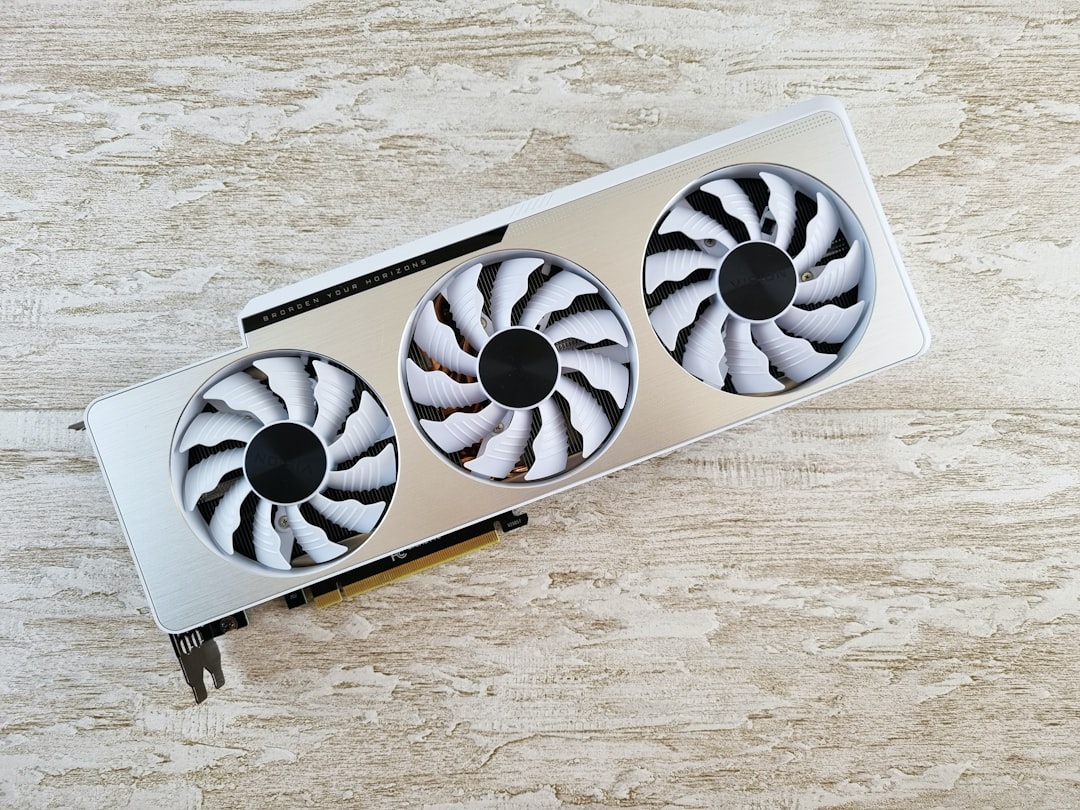
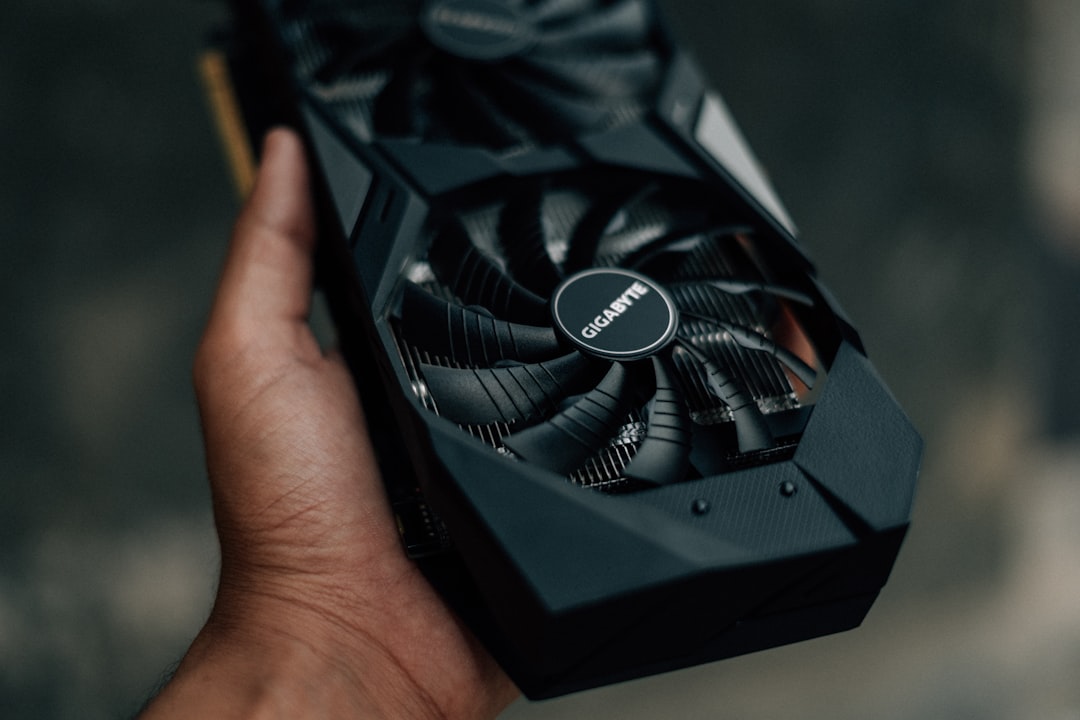
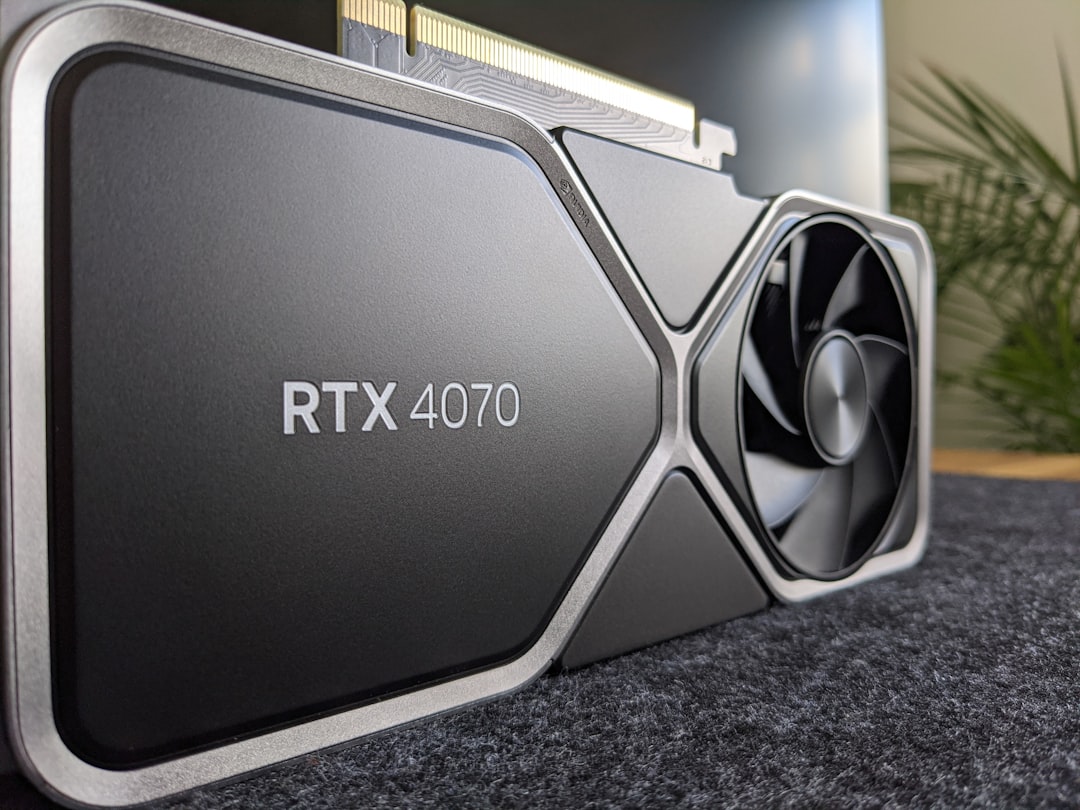
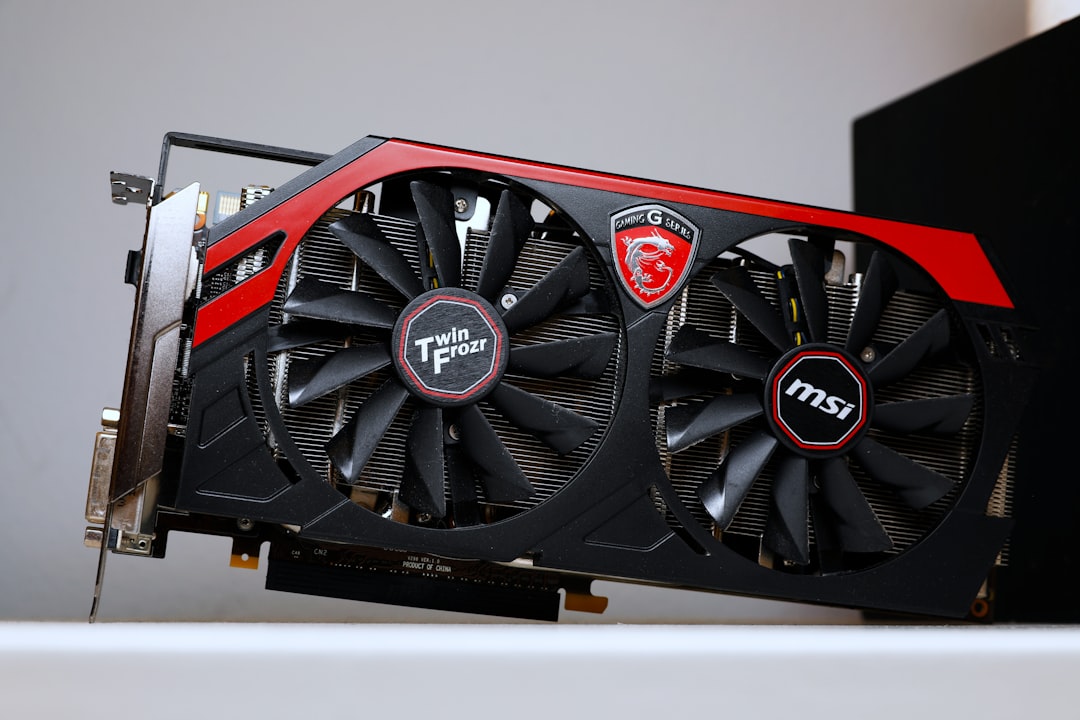
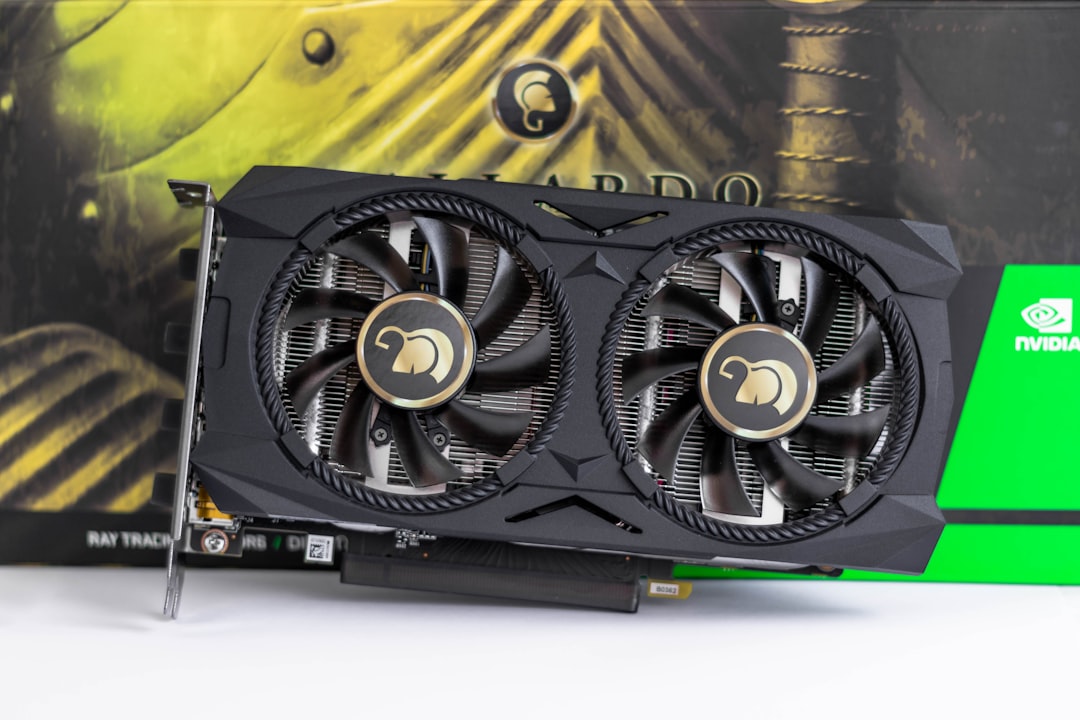
The spec sheet also tells you about the physical card. Cooler designs range from compact dual-fan units to massive triple-fan coolers three or more slots thick. Bigger coolers run quieter and cooler but demand more case space and airflow. The power connector matters too: mid-range cards often use a single 8-pin, while flagships use the 12V-2×6 connector that delivers up to 600W through one cable. Knowing the connector tells you which cable to use and helps you avoid the seating issues that cause overheating.
Putting the Specs Together
No single number defines a card. A strong GPU balances enough cores, sufficient VRAM with adequate bandwidth, healthy clock speeds, and a TDP your system can handle. When comparing two cards, line up these specs side by side, then confirm your read against independent benchmarks. For shortlisting, our roundup of the best graphics cards compared ties these specs to measured frame rates.
Top-Rated Picks


Dropped $0.02


| Product | Brand | Rating | Reviews | Price |
|---|---|---|---|---|
| ARCTIC MX-4 (4 g) – Premium Performance Thermal Paste… | ARCTIC | ★ 4.8 | 104k | $4.99 |
| ARCTIC MX-4 (incl. Spatula, 4 g) – Premium Performanc… | ARCTIC | ★ 4.8 | 71.9k | $5.49 |
| Crucial 8GB DDR4 RAM 3200MHz (PC4-25600), Downclockab… | Crucial | ★ 4.8 | 62.8k | $74.99 |
| AMD Ryzen 5 5600X 6-core, 12-thread unlocked desktop … | — | ★ 4.8 | 30.2k | $177.60 |
| NVIDIA Shield Remote; Voice Search, Motion-Activated,… | — | ★ 4.7 | 10.6k | $25.99 |
Frequently Asked Questions
Are more CUDA cores always better?
Within the same generation, generally yes. But across architectures or brands, core counts aren’t directly comparable because each core’s efficiency differs. Always check benchmarks.
What happens if I run out of VRAM?
The game offloads data to slower system RAM, causing stutter, texture pop-in, and sudden frame drops. Lowering texture settings usually helps, but the real fix is a card with more VRAM.
Does a higher boost clock guarantee better performance?
Only when comparing cards with the same architecture and core count. A higher clock on an otherwise identical card means more performance, but it’s just one factor.
Is GDDR7 worth paying extra for?
GDDR7 offers higher bandwidth and better efficiency, which helps at 4K. Whether it’s worth the premium depends on your resolution and budget, but it does future-proof a build.
How do TDP and PSU wattage relate?
TDP is the card’s power draw; your PSU needs enough wattage to cover that plus the rest of your system, with headroom. Manufacturers publish recommended PSU sizes per card.
Conclusion
Understanding GPU specs turns a confusing spec sheet into a clear picture of real-world performance. Focus on VRAM for longevity, core counts within a generation, memory bandwidth for high resolutions, and TDP for power and cooling planning. With these fundamentals, you can confidently judge whether a card fits your games, your monitor, and your build.

Write Your Review
No reviews yet. Be the first to share your experience!