
Best socket AM4 motherboard shopping in 2026 is a value exercise, not a future-proofing one. The platform is finished for new CPUs, but a B550 board paired with a 5700X3D still builds a capable 1080p and 1440p gaming machine for a fraction of current AM5 pricing. Here is how to pick one without paying for a dead end.
As an Amazon Associate we earn from qualifying purchases.
By Ryan Cole
Quick answer: For most people in 2026, the best socket am4 motherboard is the MSI MAG B550 Tomahawk MAX WiFi — our #1 rated choice. See the full ranked comparison, alternatives and buying advice below.
How to Choose the Best Socket AM4 Motherboard
Buying into a mature platform has one advantage: everything is documented and nothing will change. These four checks separate the best socket AM4 motherboard for a value build from an expensive mistake.
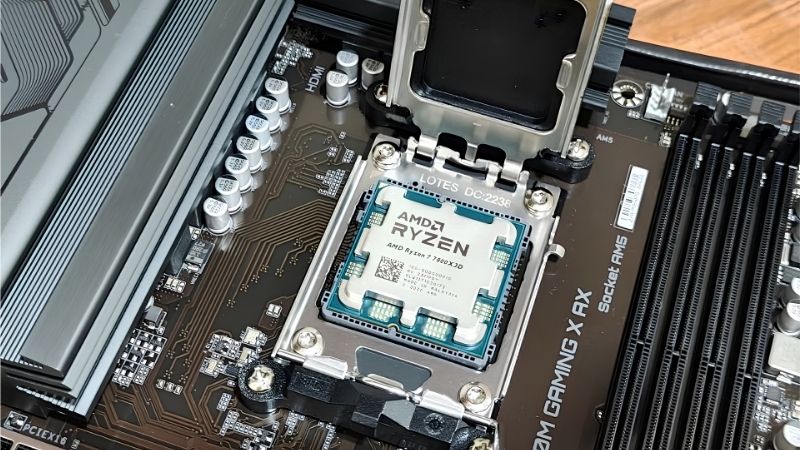
Pick the Right Chipset First
B450 is the budget floor, limited to PCIe 3.0 with no chipset-level Gen4 support. It still runs a Ryzen 5 5600 or 5700X3D perfectly well, since gaming barely uses Gen4 bandwidth on a single drive.
B550 is the sensible default: PCIe 4.0 to the primary GPU slot and the first M.2, better VRM designs across the range, and near-universal support for the final Ryzen 5000 chips out of the box.
X570 adds Gen4 lanes from the chipset itself, which matters only if you are running several fast NVMe drives or add-in cards. Early boards use a small chipset fan that some owners find audible.
Pricing on this platform no longer tracks capability neatly. A discounted B550 often beats a full-price X570 for a gaming build, because the extra chipset lanes sit unused in most systems.
Match VRM Quality to the CPU You Plan to Run
A Ryzen 5 5600 draws modest power and runs on almost anything. A Ryzen 9 5950X under sustained all-core load is a different proposition and belongs on a board with a proper heatsinked power stage.
For gaming specifically, the 5700X3D and 5800X3D are the parts most people should target. They are locked, run cool relative to their performance, and do not stress mid-range VRM designs at all.
Look for heatsinked power stages and an 8-pin plus 4-pin EPS connector as a rough quality signal. A bare VRM with no heatsink is a sign the board was built to a price rather than a spec.
Check BIOS Version and Flashback Support
Older stock sometimes ships with firmware predating Ryzen 5000 support. Boards with USB BIOS Flashback let you update without a CPU installed, which turns a potential build-stopper into a five-minute job.
If a board lacks Flashback, check the seller’s BIOS revision or buy from a retailer that ships current stock. This is the single most common problem people hit when building AM4 systems in 2026.
Manufacturer support pages list which firmware added which CPU. Reading that page before ordering costs nothing and avoids the classic scenario of a finished build that refuses to post.
Decide Which Connectivity You Actually Need
2.5G Ethernet, Wi-Fi 6 and a second M.2 slot are the features worth paying a small premium for. Everything above that, including elaborate rear I/O and lighting headers, is discretionary on a budget build.
Count your storage plans honestly. Two M.2 slots plus four SATA ports covers almost every gaming build, and a board offering less will force awkward compromises a year into ownership.
Rear USB count is worth a glance too. Older AM4 boards are thin on Type-C and high-speed ports, which becomes irritating once a headset, capture device and external drive are all connected.
Top Picks: Best Socket AM4 Motherboard Options
The best socket AM4 motherboard for you depends on chipset and form factor, so these six run from budget mATX to a full X570 board, with the specifications that matter for gaming. Availability on this platform varies by retailer, so check stock before settling on one.
| Board | Chipset | Form Factor | M.2 Slots | Best For |
|---|---|---|---|---|
| MSI MAG B550 Tomahawk MAX WiFi | B550 | ATX | 2 | Best all-round pick |
| ASUS TUF Gaming B550-PLUS WiFi II | B550 | ATX | 2 | Reliable mid-range |
| Gigabyte B550 AORUS Elite AX V2 | B550 | ATX | 2 | Value with Wi-Fi |
| MSI MAG B550M Mortar WiFi | B550 | mATX | 2 | Compact builds |
| ASRock B450M Steel Legend | B450 | mATX | 1 | Tightest budgets |
| ASUS ROG Strix X570-E Gaming | X570 | ATX | 2 | Multi-drive systems |
MSI MAG B550 Tomahawk MAX WiFi
The Tomahawk line earned its reputation on power delivery that outclasses its price bracket, and this version adds Wi-Fi 6E and 2.5G Ethernet. It handles anything up to a 5950X without thermal complaints.
Rear I/O is functional rather than generous, and it costs more than the entry B550 boards. If you intend to keep this build for several years, it is the one to buy.
ASUS TUF Gaming B550-PLUS WiFi II
A straightforward ATX board with 2.5G Ethernet, Wi-Fi 6, two M.2 slots and BIOS Flashback, which removes the firmware risk entirely. ASUS support documentation for this board is unusually thorough.
The VRM is adequate rather than exceptional, so pair it with a 5600 or 5700X3D rather than a 16-core part. The plain styling will not suit builds with a glass side panel.
Gigabyte B550 AORUS Elite AX V2
Wi-Fi 6, dual M.2 with heatsinks and a solid power stage make this a strong value pick when it is discounted. Layout is clean and the M.2 heatsink removal is simpler than on some rivals.
Gigabyte’s BIOS interface is less intuitive than MSI or ASUS, and older stock may need a firmware update. Check whether your specific unit supports Flashback before ordering a CPU to match, since the V2 revision differs from the original in several small ways.
MSI MAG B550M Mortar WiFi
The mATX Mortar keeps most of the Tomahawk’s power delivery in a smaller footprint, with two M.2 slots and Wi-Fi. It suits compact cases where an ATX board simply will not fit.
Four DIMM slots in mATX means tight clearance around a large air cooler, so measure carefully. It also carries a small premium over full-size boards with similar features.
ASRock B450M Steel Legend
For the tightest budgets this remains a competent mATX option with a reasonable VRM and useful rear I/O. Paired with a Ryzen 5 5600 it produces a genuinely cheap gaming machine.
PCIe 3.0 only, a single M.2 slot and no Wi-Fi are the compromises. Confirm the BIOS revision supports Ryzen 5000 before ordering, because this board predates that generation.
ASUS ROG Strix X570-E Gaming
If you run multiple NVMe drives or a capture card alongside a GPU, X570’s chipset-level Gen4 lanes are the reason to pay more. Connectivity and VRM are both a clear step above B550.
It is expensive for a platform that no longer receives new CPUs, and the chipset fan on this generation can become audible over time. Only worth it if you genuinely need those extra lanes today.
What 2026 Pricing Means for AM4 Buyers
The case for AM4 today rests entirely on relative pricing, so the wider market matters more than usual for this decision.
AM4 Is Finished, AM5 Runs to 2029
AMD confirmed at Computex 2026 that AM5 will accept new processors through the end of 2029, while AM4 receives no further CPUs. That is the honest trade-off with this platform.
Buy the best socket AM4 motherboard only if you are pairing it with a cheap 5000-series chip and treating the whole system as a fixed-spec machine. If you want an upgrade path, spend more now on AM5.
DDR4 Pricing Has Not Escaped the Memory Squeeze
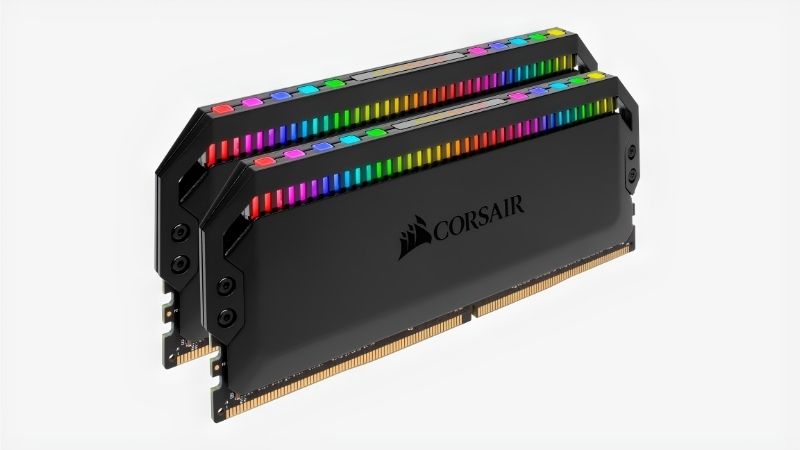
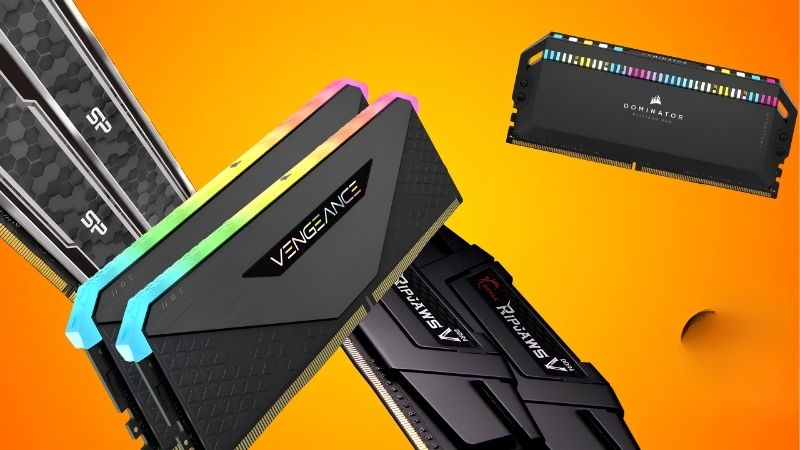
DRAM contract pricing rose through both Q3 and Q4 of 2026, with new manufacturing capacity not arriving before late 2027. DDR4 kits have followed the trend rather than staying cheap.
Price a complete build, not just the board. The AM4 advantage narrows considerably once memory is included, and in some configurations a used AM5 setup works out closer than expected.
Nothing New Arrives Before CES 2027
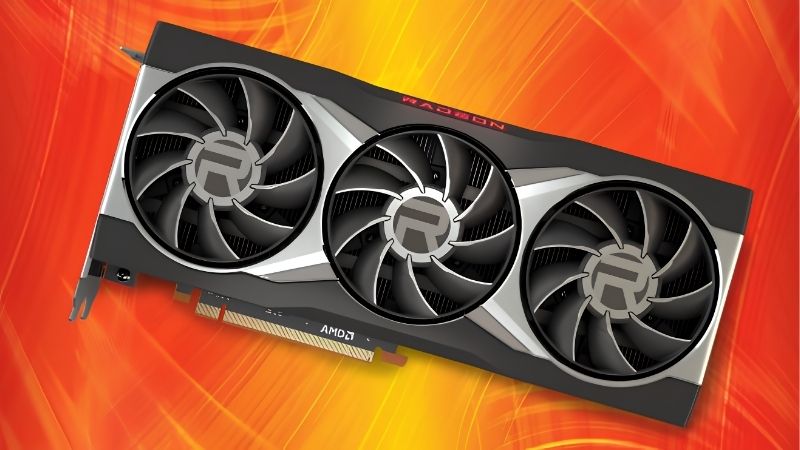
Zen 6, Intel Nova Lake and the refreshed NVIDIA cards have all moved to January 2027. There is no imminent launch that will push AM4 hardware cheaper in the next few months.
If the parts you want are in stock at a fair price, buying now is reasonable. Just avoid paying near-AM5 money for a platform that has already stopped receiving new silicon.
Frequently Asked Questions
These are the questions that decide most purchases of the best socket AM4 motherboard, and the answers have shifted as the platform matured.
Is AM4 still worth building on in 2026?
For a budget gaming machine paired with a 5600 or 5700X3D, yes. For anything you plan to upgrade later, no. The platform delivers good value today but has no future CPU support at all.
Do I need B550 or is B450 enough?
B450 is enough for a single NVMe drive and a mid-range GPU, since gaming rarely saturates PCIe 3.0. B550 costs slightly more and removes several small compromises, which makes it the safer default.
Will an AM4 cooler fit an AM5 board later?
Yes. AM4 and AM5 share the same mounting hole spacing, so coolers carry across between platforms. That makes a good cooler the one part of an AM4 build worth spending properly on.
Which AM4 CPU is best for gaming now?
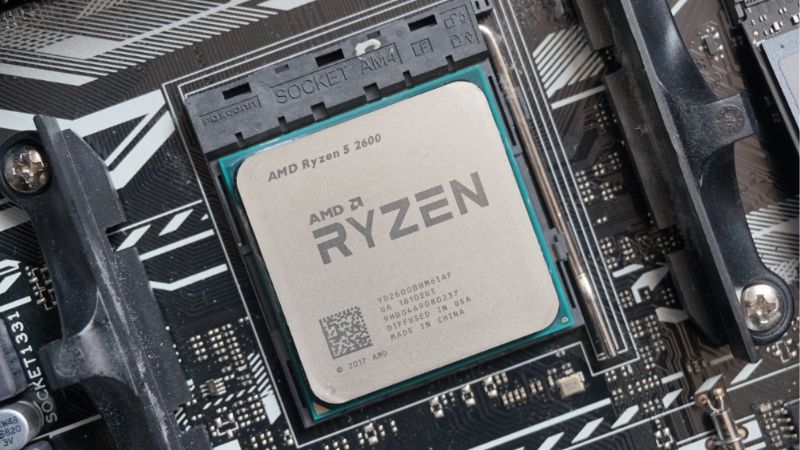
The 5700X3D offers the strongest gaming performance per dollar on the platform, with the 5600 covering tighter budgets. Both are locked parts that work comfortably on mid-range B550 boards.
See More:
- Who makes the best motherboard
- Best budget AM5 CPU for gaming
- What is the best thermal paste pattern
- Best mini ITX computer case
- Best desktop RAM for gaming
Final Thoughts
The best socket AM4 motherboard for most people is a mid-range B550 like the Tomahawk or TUF Gaming, paired with a 5700X3D and treated as a fixed-specification build. Confirm BIOS support before ordering, price the memory alongside the board, and go in knowing this is a value platform rather than an upgrade path. On those terms it remains a genuinely good deal.
Ready to decide? Our #1 pick for 2026 is the MSI MAG B550 Tomahawk MAX WiFi.
Live price & availability on Amazon.

Write Your Review
No reviews yet. Be the first to share your experience!