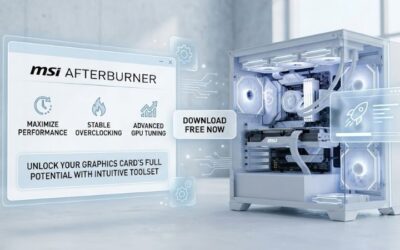
MSI Afterburner Auto Overclock Review: Maximize Your GPU Now
1 Best Seller MSI MEG Z890 GODLIKE, E-ATX – Supports Intel Core Ultra Processors (Series...
Browse our hands-on Drivers & Software reviews and buying guides for 2026. We test and rank the best drivers and software for real-world performance and value — with honest pros and cons, side-by-side comparisons, and top picks for every budget to help you choose with confidence.
1 Best Seller MSI MEG Z890 GODLIKE, E-ATX – Supports Intel Core Ultra Processors (Series...
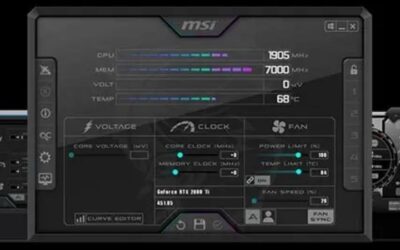
How to undervolt GPU MSI Afterburner in 30 minutes: the curve editor explained, voltage targets, stability testing, and how to drop 10-20C without losing FPS.
Nvidia GTX 1650 drivers still ship in 2026 while the GTX 10-series lost support. Why Turing survived, how to install cleanly, and the ceiling no driver fixes.
Nvidia RTX drivers: Game Ready vs Studio vs hotfix, the Windows 10 cutoff landing in October 2026, clean install steps, and how to roll back when one breaks.
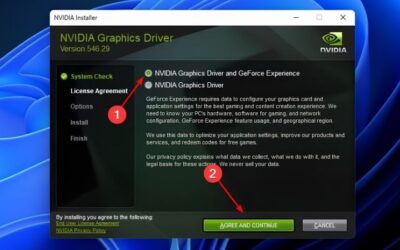
Nvidia drivers list explained: what the branches mean, how to read a version number, where the real archive is, the minimums that matter, and legacy cutoffs.
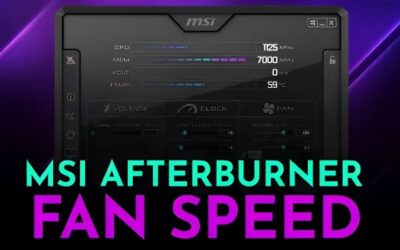
MSI Afterburner flatten curve done right: the exact key sequence, real mV and MHz starting values by card, how to test stability, and why the curve snaps back.
There was a problem with Nvidia app? The message tells you nothing, so start with the 60-second diagnostic, then eight numbered fixes in the order to try them.
New Nvidia drivers, dated and checked: the current version, what DLSS 4.5 changed, the RTX 30 series catch, when to wait two weeks, and how to roll back safely.
MSI Afterburner not showing FPS? The real cause is usually RTSS, not Afterburner. Nine numbered fixes in the order to try them, with the anti-cheat exceptions.
Nvidia App latest version number, dated and verified, plus what DLSS 4.5 changed, the RTX 30 series catch nobody mentions, and how to fix a failed update fast.