
⚡ Key Takeaways

Dropped $115.00

Editor's Pick
EVGA GeForce GTX 1060 3GB GAMING, ACX 2.0 (Single Fan), 3GB GDDR5, DX12 OSD Support (PXOC) Graphics Cards 03G-P4-6160-KR
Dropped $103.75

Dropped $9.12

Dropped $16.87

As an Amazon Associate we earn from qualifying purchases at no extra cost to you. Product prices and availability are accurate as of the date shown and are subject to change.


- Integrated graphics, often abbreviated as iGPU, is a graphics processor built directly into the same silicon package as your CPU.
- A dedicated GPU, also called a discrete GPU, is a separate processor with its own circuit board, cooling solution, and most importantly its own pool of high-speed video memory known as VRAM.
- The clearest way to understand the difference is a direct comparison across the attributes that matter most to buyers.
- The right choice comes down to how you use your computer.
When you start shopping for a laptop or building a desktop, one of the first technical decisions you will run into is the choice between integrated and dedicated graphics. Understanding integrated vs dedicated graphics is essential because it shapes everything from gaming performance and battery life to how much you ultimately spend. An integrated GPU shares resources with your processor and lives on the same chip, while a dedicated GPU is a separate, far more powerful piece of hardware with its own memory. This guide breaks down exactly how the two differ, where each one shines, and how to decide which is right for your needs in 2026.
Related: best external GPU enclosures.
Related: best GPUs for AI and machine learning.
What Is Integrated Graphics?
Integrated graphics, often abbreviated as iGPU, is a graphics processor built directly into the same silicon package as your CPU. Instead of having its own dedicated video memory, an iGPU carves out a portion of your system RAM to use as a frame buffer. This tight integration makes it extremely power efficient and compact, which is why every modern thin-and-light laptop and most office desktops rely on it.
The integrated graphics of 2026 are dramatically more capable than the anemic chips of a decade ago. AMD’s Radeon 890M, found in the Ryzen AI 300 series, can run many modern games at 1080p with reduced settings. Intel’s Arc-based integrated graphics in the Lunar Lake and Arrow Lake platforms have closed much of the gap as well, offering solid media playback, hardware-accelerated encoding, and respectable light gaming. Apple’s M-series chips take a different approach with a unified memory architecture, delivering integrated graphics that punch far above the traditional iGPU weight class, particularly in creative workloads.
Strengths and Weaknesses of Integrated Graphics
The strengths of integrated graphics are efficiency, low cost, low heat, and silence. There is no separate chip drawing tens or hundreds of watts, so laptops last longer on a charge and run cooler and quieter. The weaknesses are raw performance and memory bandwidth. Because the iGPU borrows system RAM rather than using dedicated high-speed video memory, it is bottlenecked when running demanding 3D games or heavy GPU compute tasks.
What Is Dedicated Graphics?
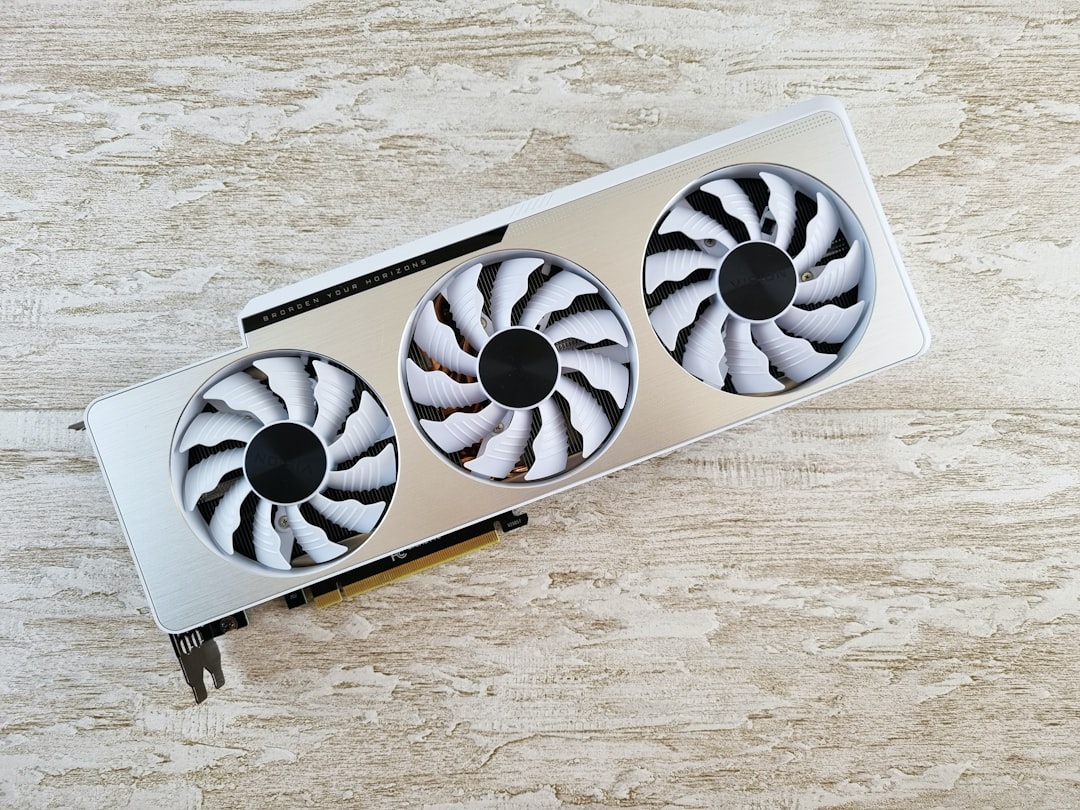
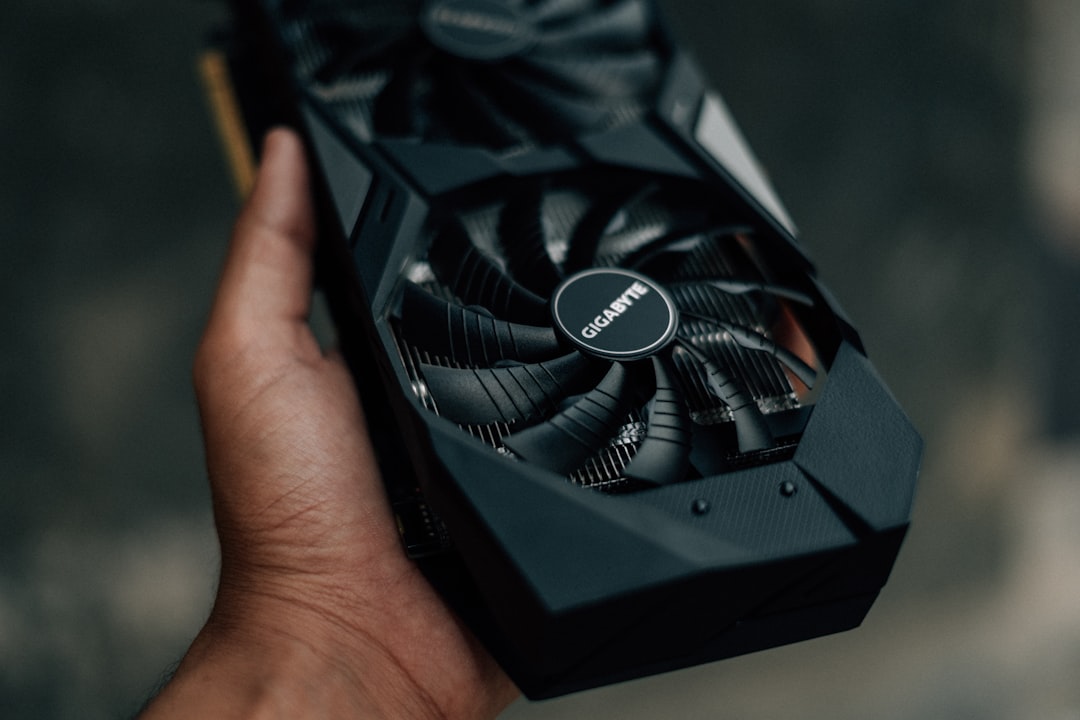
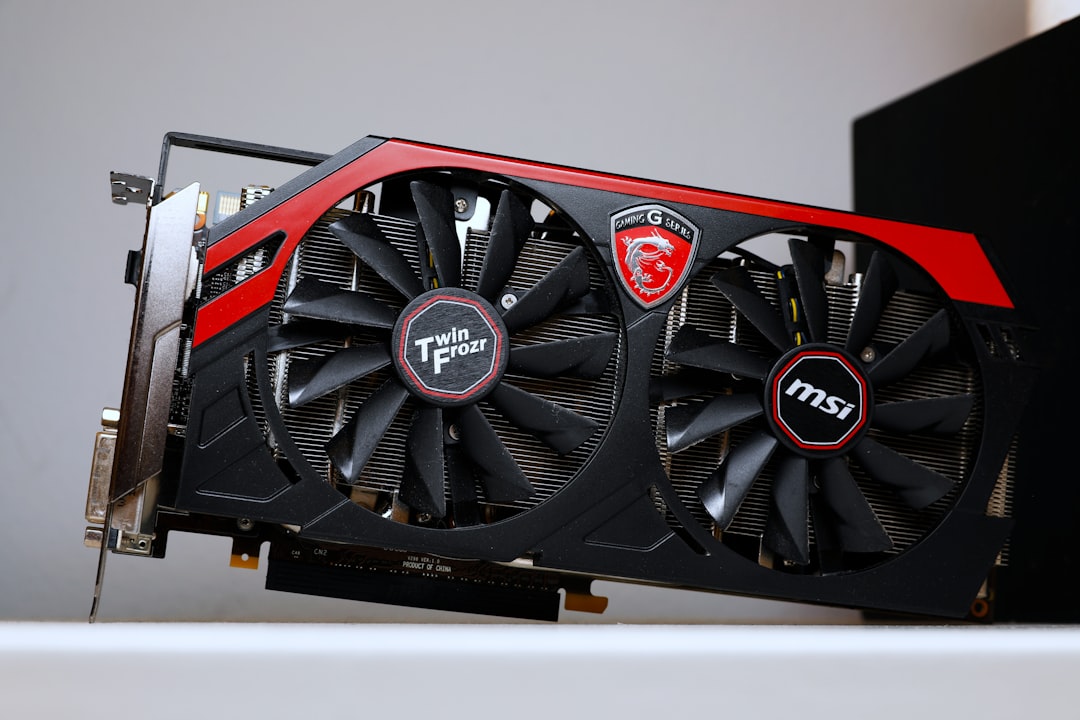
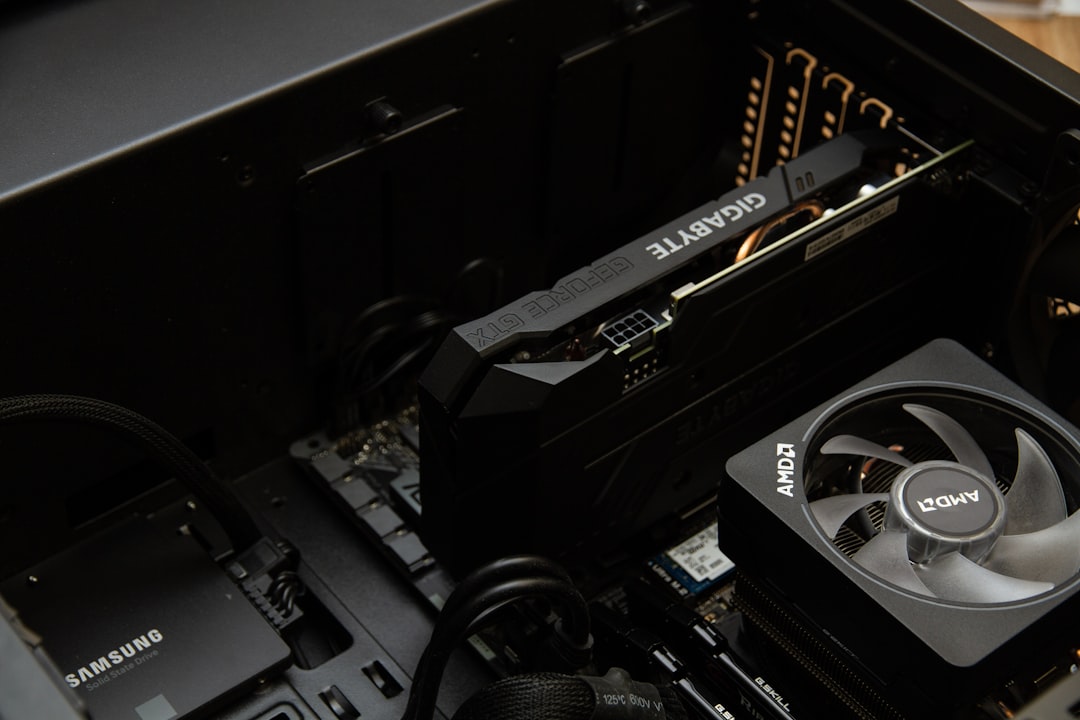
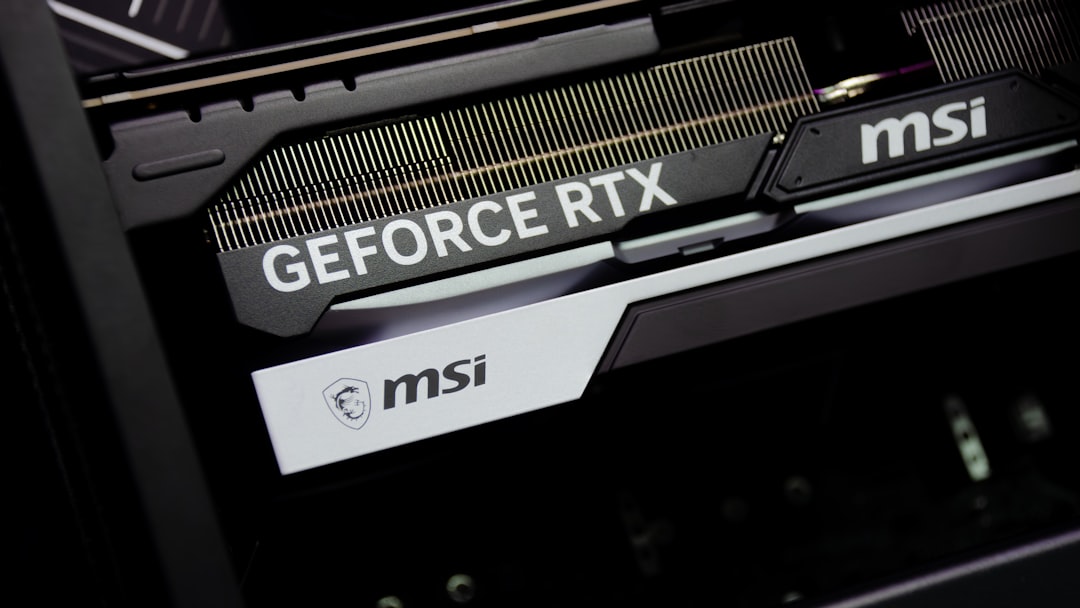
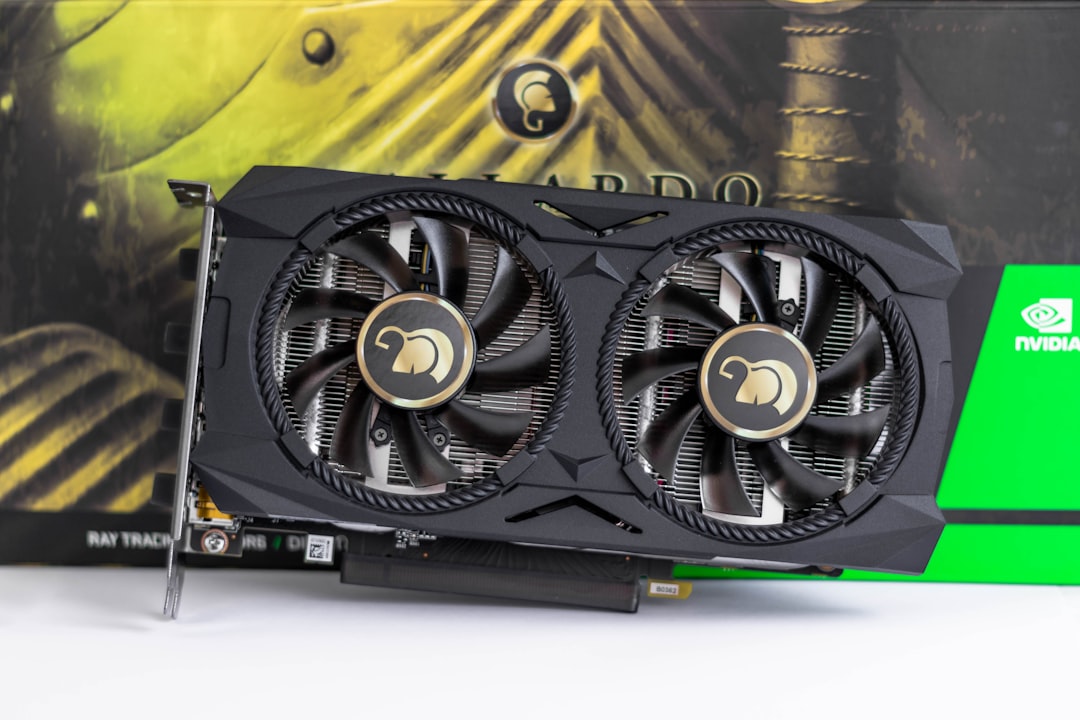
A dedicated GPU, also called a discrete GPU, is a separate processor with its own circuit board, cooling solution, and most importantly its own pool of high-speed video memory known as VRAM. Because it does not share resources with the CPU, a dedicated card can devote its entire architecture and power budget to rendering graphics, which is why it vastly outperforms any integrated solution for gaming, 3D rendering, video editing, and AI workloads.
The current generation of dedicated cards illustrates just how much horsepower is on offer. NVIDIA’s RTX 50-series ranges from the entry-level RTX 5060 with 8GB of memory up to the colossal RTX 5090 with 32GB of GDDR7 and a power draw around 575W. In the middle sit the RTX 5070, 5070 Ti, and 5080. AMD counters with the RX 9000 series, including the RX 9070 XT and RX 9070, both with 16GB, plus the RX 9060 XT available in 8GB and 16GB versions. These cards deliver performance that no integrated solution can approach, but they demand a robust power supply and substantial cooling. If you are weighing specific models, our roundup of the best graphics cards reviewed and compared is a good place to start.
Strengths and Weaknesses of Dedicated Graphics
Dedicated graphics deliver uncompromising performance, dedicated VRAM that prevents system memory contention, and features such as advanced ray tracing and AI upscaling. The trade-offs are higher cost, greater power consumption, more heat, and louder cooling. In a laptop, a dedicated GPU adds weight and shortens battery life, though modern designs can switch the discrete card off entirely when it is not needed.
Integrated vs Dedicated Graphics: Side by Side
The clearest way to understand the difference is a direct comparison across the attributes that matter most to buyers. The table below lays out how integrated and dedicated graphics stack up.
| Attribute | Integrated Graphics | Dedicated Graphics |
|---|---|---|
| Memory | Shares system RAM | Own dedicated VRAM (8-32GB) |
| Gaming performance | Light 1080p, esports titles | 1080p to 4K, ray tracing |
| Power draw | Very low (15-30W shared) | High (115-575W) |
| Heat and noise | Minimal, often fanless | Significant, active cooling |
| Cost | Included with CPU | Adds substantial cost |
| Battery life (laptop) | Excellent | Reduced |
| Upgradeability (desktop) | Tied to CPU | Swappable add-in card |
Which One Do You Actually Need?
The right choice comes down to how you use your computer. Below are the most common scenarios and what makes sense for each.
Choose Integrated Graphics If…
You primarily browse the web, work in office applications, stream video, and play the occasional lightweight or esports title. You value long battery life, a quiet machine, and a lower price. You want a thin, portable laptop and have no interest in demanding AAA games. For the vast majority of everyday users, a modern iGPU like the Radeon 890M or Intel Arc integrated graphics is more than sufficient and saves both money and power.
Choose Dedicated Graphics If…
You play modern AAA games, especially at high resolutions or with ray tracing enabled. You do 3D rendering, video editing, CAD work, or AI and machine learning tasks that benefit from GPU acceleration. You want to drive multiple high-refresh monitors or game at 4K. In these cases there is no substitute for a discrete card. Gamers targeting the highest resolutions should review our guide to the best GPU for 4K gaming to match the card to the workload.
The Hybrid Reality in Laptops
Most gaming and creator laptops actually contain both. The integrated GPU handles the desktop, video playback, and light tasks to preserve battery, and the system automatically engages the dedicated GPU only when a demanding application launches. This switchable graphics arrangement gives you the best of both worlds: long battery life when idle and full power when you need it. Understanding that both can coexist helps explain why a gaming laptop can still last several hours unplugged for ordinary work.
Power and Cooling Considerations
One factor buyers often overlook is the downstream cost of a dedicated GPU. A card like the RTX 5090 draws around 575W on its own, which means you need a high-wattage power supply with the correct connectors and a case with strong airflow. Integrated graphics impose none of these requirements because they operate within the CPU’s modest power envelope. If you are building a desktop around a dedicated card, plan your power delivery carefully; our overview of the best GPU power supply cables and our look at the best GPU cooler fans can help you keep everything fed and cool.
Frequently Asked Questions
Can I game on integrated graphics?
Yes, within limits. Modern integrated graphics such as the Radeon 890M can handle many games at 1080p with reduced settings and run esports titles smoothly. What they cannot do is deliver high frame rates in demanding AAA games at high resolutions, where a dedicated GPU is required.
Does integrated graphics use my RAM?
Yes. An integrated GPU has no memory of its own, so it reserves a portion of your system RAM to use as a frame buffer. This is one reason machines that lean on integrated graphics benefit from having ample, fast RAM, since the iGPU and the CPU compete for the same memory bandwidth.
Can I add a dedicated GPU to a computer with integrated graphics?
On a desktop with an open PCIe x16 slot and adequate power supply, yes. You simply install the card and the system will prioritize it for graphics. On most laptops this is not possible because the components are soldered, though external GPU enclosures connected over Thunderbolt offer a workaround for some machines.
Is a dedicated GPU worth it for video editing?
For serious editing, absolutely. Dedicated GPUs accelerate timeline scrubbing, effects, encoding, and export times dramatically, and their larger VRAM pools handle high-resolution footage and complex projects that would overwhelm an iGPU. Casual editing of short clips can manage on integrated graphics, but professionals will feel the difference immediately.
Will integrated graphics catch up to dedicated graphics?
Integrated graphics improve every generation and now rival older entry-level dedicated cards, but a meaningful gap will persist. Dedicated cards advance just as quickly and enjoy far larger power and memory budgets, so while the floor keeps rising, the ceiling rises with it. For top-tier performance, dedicated graphics will remain necessary for the foreseeable future.
Conclusion
The choice between integrated and dedicated graphics is really a choice about priorities. Integrated graphics offer efficiency, silence, low cost, and excellent battery life, making them perfect for everyday computing and light gaming. Dedicated graphics deliver the raw power required for serious gaming, content creation, and professional workloads, at the expense of higher cost, heat, and energy use. Identify how you actually use your machine, match it to the appropriate solution, and you will end up with a system that performs exactly as you need without paying for power you will never touch.

Write Your Review
No reviews yet. Be the first to share your experience!