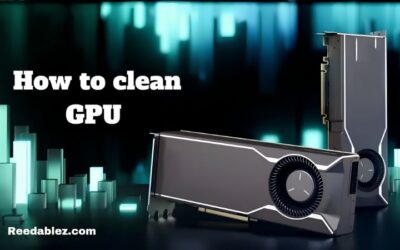
How to Deep Clean a GPU Safely: Ultimate Step-by-Step Guide
How to clean a GPU safely to lower temperatures and reduce noise. Use compressed air the right way, avoid common mistakes, and keep your graphics card cool.

3421 articles published
How to clean a GPU safely to lower temperatures and reduce noise. Use compressed air the right way, avoid common mistakes, and keep your graphics card cool.
How to check GPU health with free tools. Test temperatures, stability, and performance to catch problems early, and learn what to do if your card is failing.
How to test a used GPU before you buy. Inspect, stress test, and benchmark a second-hand card to spot hidden faults and avoid wasting money in a pricey market.
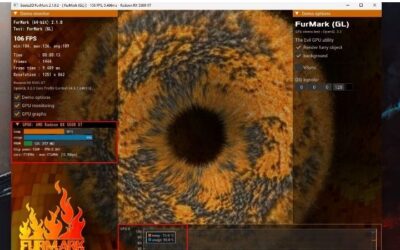
How to stress test a GPU to check stability and cooling. Use free tools to push your card hard, watch for artifacts and throttling, and confirm it is solid.
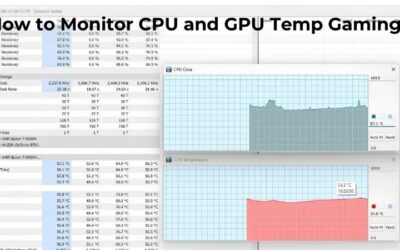
How to monitor GPU temp while gaming with a free live overlay. Set up MSI Afterburner, watch your temperature in real time, and act if your card runs too hot.
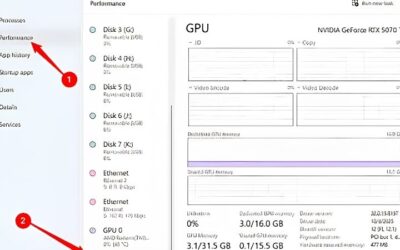
How to check GPU usage in Windows with Task Manager and free overlays. Learn what healthy GPU load looks like and how to spot a CPU bottleneck while gaming.
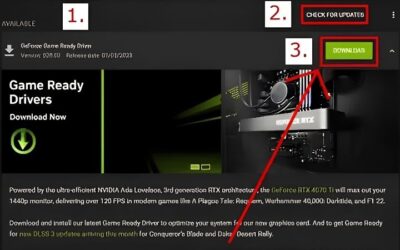
How to update Nvidia drivers the easy way with the Nvidia App, plus a manual download option. Keep your GPU fast and stable with the latest Game Ready drivers.
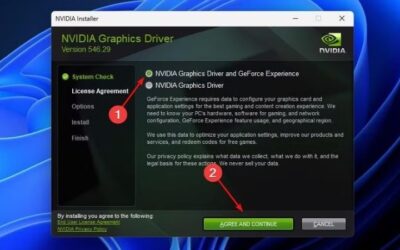
How to clean install Nvidia drivers to fix stutters, crashes, and glitches. A simple step-by-step guide using the clean install option and the free DDU tool.
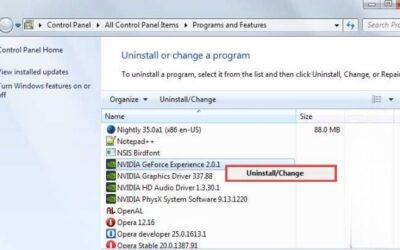
How to uninstall GPU drivers cleanly using Windows and DDU. Fully remove old Nvidia or AMD drivers to fix crashes and stutters, or prep for a new graphics card.
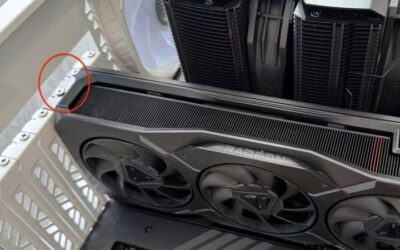
How to remove a GPU safely: power down, release the PCIe latch, disconnect power, and lift the card out without any damage. A clear, beginner-friendly guide.