
⚡ Key Takeaways
- At higher resolutions, every one of these elements grows larger.
- Let us answer the central question directly.
- The numbers above are a strong baseline, but several variables push your real requirement up or down.
- A card needs enough rendering horsepower to push playable frame rates at 4K, not just enough memory to hold the assets.
Few questions spark as much debate among PC gamers as how much VRAM for 4K gaming you truly need. With 4K displays now mainstream and game textures growing more detailed every year, the amount of video memory on your graphics card has become one of the most important specifications to get right. Buy too little and you will hit stutters, texture pop-in, and crashes; buy more than you need and you may overspend on headroom that goes unused. In this guide we will cut through the noise and explain exactly how much VRAM modern 4K gaming demands in 2026, why the number matters, and which cards offer the right balance.
As an Amazon Associate we earn from qualifying purchases at no extra cost to you. Product prices and availability are accurate as of the date shown and are subject to change.



Why VRAM Matters So Much at 4K
VRAM, or video random access memory, is the dedicated high-speed memory on your graphics card that stores everything the GPU needs to render a frame: textures, frame buffers, shadow maps, geometry data, and the assets for ray tracing. At higher resolutions, every one of these elements grows larger. A 4K frame contains four times as many pixels as a 1080p frame, which means bigger frame buffers and a demand for higher-resolution textures to look sharp on a large display.
When a game needs more VRAM than your card physically has, the system is forced to spill data over the PCIe bus into much slower system RAM. The result is exactly the kind of stutter and frame-time spikes that ruin an otherwise smooth experience. In the worst cases you will see textures load in late, visibly blurry surfaces, or outright crashes. This is why VRAM capacity, not just raw rendering speed, has become a make-or-break spec for 4K gaming.
How Much VRAM for 4K Gaming in 2026?
Let us answer the central question directly. In 2026, the honest picture looks like this: 12GB is the bare minimum for 4K and is increasingly risky, 16GB is the comfortable sweet spot for the vast majority of players, and 24GB to 32GB provides genuine headroom for future-proofing, modding, and the most extreme settings.
12GB: The Risky Floor
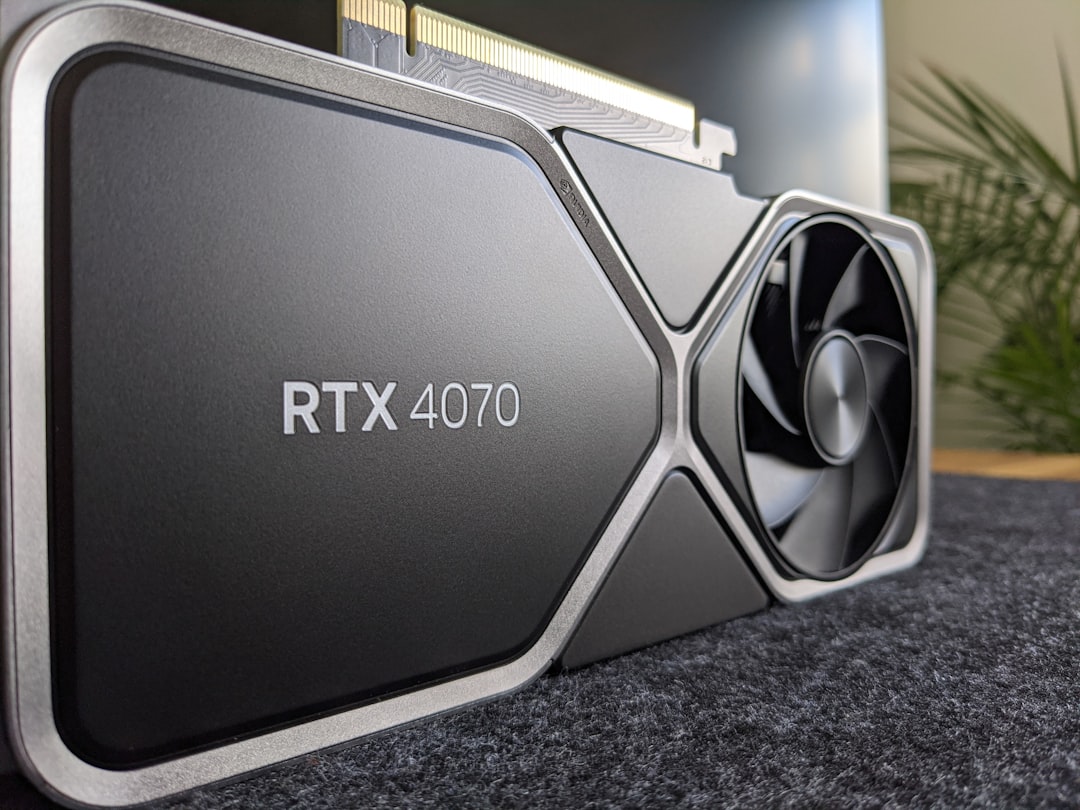
A 12GB card such as the RTX 5070 can play many games at 4K, but it is living on the edge. A growing number of 2026 titles, especially those with ray tracing and ultra-quality texture packs, push right up against or beyond 12GB at 4K. When that happens you will need to dial textures down a notch or accept occasional stutter. For lighter and esports titles, 12GB is fine, but for demanding AAA games at maximum settings it is no longer a safe choice.
16GB: The Comfortable Sweet Spot
Sixteen gigabytes is the figure most experienced builders recommend for 4K in 2026. Cards like the RTX 5080, RTX 5070 Ti, AMD RX 9070 XT, and RX 9070 all carry 16GB, and that capacity comfortably handles the great majority of current titles at 4K with ray tracing and high-quality textures enabled. It leaves enough margin that you are not constantly monitoring memory usage, and it should remain viable for several years. For most people asking how much VRAM they need for 4K, 16GB is the answer.
24GB to 32GB: Headroom and Future-Proofing
At the top sits the RTX 5090 with its 32GB of GDDR7. This much memory is overkill for pure gaming today, but it is invaluable for the most demanding edge cases: 4K with every setting maxed, heavy texture mods, ultra-wide and multi-monitor setups, and content creation or AI workloads that run alongside gaming. If you want a card that will not need replacing for a long time and you work with memory-hungry applications, this tier delivers true peace of mind.
| VRAM | 4K Gaming Verdict | Example Cards (2026) |
|---|---|---|
| 8GB | Inadequate for 4K; fine for 1080p | RTX 5060, RX 9060 XT 8GB |
| 12GB | Bare minimum, risky at max settings | RTX 5070 |
| 16GB | Comfortable sweet spot | RTX 5080, RTX 5070 Ti, RX 9070 XT, RX 9070 |
| 24-32GB | Headroom, modding, future-proofing | RTX 5090 (32GB) |
Factors That Change Your VRAM Needs
The numbers above are a strong baseline, but several variables push your real requirement up or down. Understanding them helps you avoid both overspending and undershooting.
Ray Tracing and Path Tracing
Ray tracing stores additional data structures in memory to calculate light bounces, and full path tracing demands even more. Enabling these features can add a meaningful chunk to your VRAM usage at 4K, which is one of the biggest reasons 12GB cards struggle in the most visually advanced titles. If you intend to play with ray tracing on, lean toward 16GB or more.
Texture Quality and Mods
Texture resolution is the single largest consumer of VRAM. Bumping a game from high to ultra textures, or installing 4K texture mod packs, can dramatically inflate memory use. Modders and players who insist on the sharpest possible surfaces should plan for extra capacity well beyond the baseline.
Upscaling Technologies
Modern upscalers like DLSS and FSR render the game at a lower internal resolution and reconstruct a 4K image, which actually reduces VRAM pressure compared to native 4K. This is a useful tool, but it does not eliminate the need for adequate memory, and frame generation features can add some of that savings back. Treat upscaling as helpful relief rather than a substitute for sufficient VRAM.
Matching the Card to Your Display
Capacity is only part of the equation. A card needs enough rendering horsepower to push playable frame rates at 4K, not just enough memory to hold the assets. Pairing a fast GPU with the right amount of VRAM is the goal, and it is why the sweet-spot cards balance both. If you are shopping specifically for a 4K rig, our roundup of the best GPU for 4K gaming reviewed and compared matches real-world performance to memory capacity, and our broader guide to the best graphics cards covers the full lineup. Remember that powerful 4K cards run hot and hungry, so plan for adequate cooling with the best GPU cooler fans and reliable power using the best GPU power supply cables.
Top-Rated Picks


Dropped $0.02


| Product | Brand | Rating | Reviews | Price |
|---|---|---|---|---|
| ARCTIC MX-4 (4 g) – Premium Performance Thermal Paste… | ARCTIC | ★ 4.8 | 104k | $4.99 |
| ARCTIC MX-4 (incl. Spatula, 4 g) – Premium Performanc… | ARCTIC | ★ 4.8 | 71.9k | $5.49 |
| Crucial 8GB DDR4 RAM 3200MHz (PC4-25600), Downclockab… | Crucial | ★ 4.8 | 62.8k | $74.99 |
| AMD Ryzen 5 5600X 6-core, 12-thread unlocked desktop … | — | ★ 4.8 | 30.2k | $177.60 |
| NVIDIA Shield Remote; Voice Search, Motion-Activated,… | — | ★ 4.7 | 10.6k | $25.99 |
Frequently Asked Questions
Is 12GB of VRAM enough for 4K gaming?
It is the bare minimum and increasingly risky in 2026. A 12GB card like the RTX 5070 can handle many 4K games, but several demanding titles with ray tracing and ultra textures push past 12GB, forcing you to lower settings or tolerate stutter. For comfortable 4K, 16GB is the safer target.
Is 16GB enough for 4K gaming?
Yes. Sixteen gigabytes is the current sweet spot and comfortably handles the vast majority of 2026 titles at 4K with high textures and ray tracing enabled. Cards like the RTX 5080, RTX 5070 Ti, and RX 9070 XT carry 16GB precisely because it strikes the right balance for high-resolution gaming.
Do I really need 32GB of VRAM like the RTX 5090 has?
Not for gaming alone. Thirty-two gigabytes is overkill for current games, but it shines in extreme scenarios: maxed-out 4K, heavy texture mods, multi-monitor and ultra-wide setups, and creative or AI workloads. If you want maximum future-proofing or run memory-intensive applications, it is worthwhile; otherwise 16GB serves most players well.
Does DLSS or FSR reduce VRAM usage?
Generally yes. Because these upscalers render the game at a lower internal resolution before reconstructing 4K, they ease VRAM pressure relative to native 4K. Frame generation can add some memory cost back, so the savings are not absolute, but enabling upscaling typically helps a card with borderline VRAM cope better.
What happens if I run out of VRAM at 4K?
The game spills data into slower system RAM over the PCIe bus, causing stutter, frame-time spikes, late-loading or blurry textures, and in severe cases crashes. These symptoms are a clear sign your card lacks enough memory for the settings you are running, and lowering texture quality usually resolves them.
Conclusion
How much VRAM you need for 4K gaming has a clear answer in 2026: aim for 16GB if you want a smooth, worry-free experience across modern titles, treat 12GB as a risky floor that may force compromises, and reserve 24GB to 32GB for genuine future-proofing, heavy modding, or professional workloads. VRAM is no longer a spec to overlook, because at 4K it determines whether your games run beautifully or stutter through their best moments. Match your memory to your resolution and settings, pair it with enough rendering power, and you will be set for years of crisp, fluid 4K gaming.


Write Your Review
No reviews yet. Be the first to share your experience!