
Overclocking an Nvidia GPU is one of the easiest ways to squeeze free performance out of hardware you already own, and modern tools make it far safer than the reputation suggests. With careful, incremental tuning you can often gain 5 to 15 percent more frames without spending a cent, all while keeping temperatures and stability in check. The key word is careful: a methodical approach protects your card and delivers real, repeatable gains.
- Watch: How to Overclock Your Nvidia GPU Safely for Extra Performance — Video Review
- Understanding How GPU Boost Works
- The Tools You Need
- Step-by-Step Overclocking Method
- Overclocking Different Card Tiers
- Validating Stability and Temperatures
- Tips
- Frequently Asked Questions
- Conclusion
- Related Articles
- Related Guides
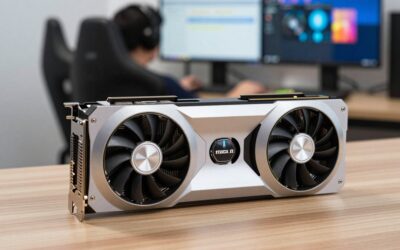
This guide walks through overclocking any modern Nvidia GPU, from a mainstream RTX 3070 to a professional-grade card, using the same proven, step-by-step method. You will learn how to raise clocks, tune the power and fan curves, and stress-test for stability, so your extra performance is rock solid rather than crash-prone. No exotic hardware required, just patience and the right software.
As an Amazon Associate we earn from qualifying purchases at no extra cost to you.





⚡ Save on Your Next PC — Amazon Prime
Prime members get fast free shipping on the systems above, plus early access to Prime Day & Black Friday PC deals. New members get a 30-day free trial.
Watch: How to Overclock Your Nvidia GPU Safely for Extra Performance — Video Review
Understanding How GPU Boost Works
Modern Nvidia cards already boost their clocks automatically based on temperature and power headroom. Overclocking simply shifts that curve upward, letting the card sustain higher frequencies for longer. Because GPU Boost is temperature-sensitive, better cooling often yields more overclocking headroom than aggressive clock offsets alone. Your goal is to find the highest stable clock your card can hold at a safe temperature.
The Tools You Need
- MSI Afterburner or a similar utility to adjust core clock, memory clock, power limit, and fan curve.
- A monitoring overlay to watch temperature, clock speed, and power draw in real time.
- A GPU stress test or a demanding game to validate stability after each change.
- A benchmark tool to measure your before-and-after gains objectively.
Step-by-Step Overclocking Method
Start by raising the power limit and temperature limit to their maximums; this is safe and simply gives the card more headroom. Next, increase the core clock offset in small steps of about 15 MHz, testing stability after each. When you hit crashes or artifacts, back off slightly. Then repeat the process for memory, which often tolerates larger offsets. Finally, set a custom fan curve so the card stays cool under sustained load.
Overclocking Different Card Tiers
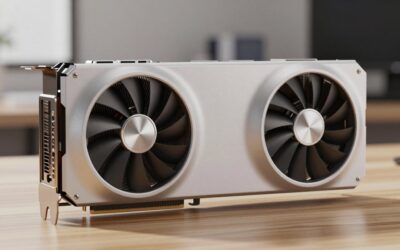
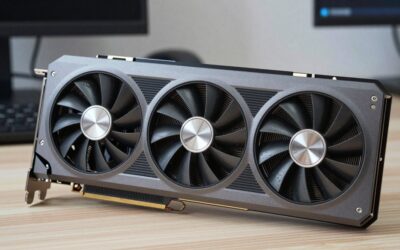
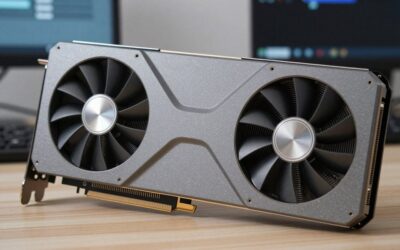
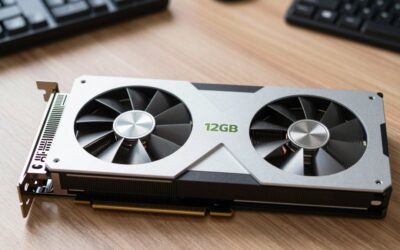
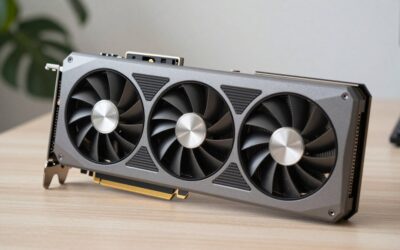
Mainstream cards like the RTX 3070 or 4060 Ti Founders Edition usually have modest headroom but respond well to memory tuning. High-end cards such as the RTX 3090 Ti or Titan RTX run near their limits from the factory, so gains are smaller but still worthwhile. Professional cards like the RTX A5500 are best left near stock, since their value lies in certified stability rather than squeezing out extra clocks.
Validating Stability and Temperatures
An overclock that crashes an hour into a game is worse than no overclock. After tuning, run a stress test for at least 30 minutes and play your most demanding titles for a few sessions. Watch for artifacts, driver resets, or crashes, and confirm temperatures stay comfortably below the card’s thermal limit, ideally under 80C, for long-term reliability.
Tips
- Change one variable at a time; tuning core and memory together makes it impossible to know which caused a crash.
- Prioritize the power and temperature limits first, as they often deliver gains with zero risk.
- Save a stable profile in your overclocking utility so it applies automatically at startup.
- Improve case airflow before chasing higher clocks; cooler cards boost higher on their own.
Frequently Asked Questions
Is overclocking my GPU safe?
Yes, when done incrementally. Modern cards have built-in protections that throttle or shut down before damage occurs. The main risks are instability and slightly higher power draw, both manageable with careful, step-by-step tuning.
How much performance can I gain from overclocking?
Typically 5 to 15 percent, depending on the card and its cooling. Mainstream cards often gain the most from memory tuning, while flagships that already run near their limits see smaller improvements.
Will overclocking void my warranty?
Software overclocking through tools like Afterburner generally does not void warranties, as it stays within safe operating parameters. Flashing a custom BIOS is a different matter and can void coverage, so avoid it unless you accept the risk.
Does overclocking shorten my GPU’s lifespan?
A moderate, well-cooled overclock has negligible impact on lifespan. Excessive voltage and heat can accelerate wear, which is why keeping temperatures under about 80C and avoiding extreme settings matters.
Conclusion
Overclocking your Nvidia GPU is a low-cost, high-reward project when approached methodically. Raise your power and temperature limits, nudge core and memory clocks upward in small steps, tune your fan curve, and stress-test thoroughly. Whether you own a mainstream RTX 3070 or a high-end 3090 Ti, this careful method delivers a genuine, stable performance boost, turning the hardware you already own into a slightly faster version of itself.

Write Your Review
No reviews yet. Be the first to share your experience!