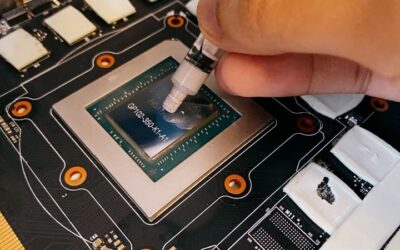
How to Repaste a GPU: An Easy Step-by-Step Guide
How to repaste a GPU step by step to lower temperatures. Disassemble the card, clean off the old paste, apply fresh paste, and reassemble safely to revive it.
Browse our hands-on Drivers & Software reviews and buying guides for 2026. We test and rank the best drivers and software for real-world performance and value — with honest pros and cons, side-by-side comparisons, and top picks for every budget to help you choose with confidence.
How to repaste a GPU step by step to lower temperatures. Disassemble the card, clean off the old paste, apply fresh paste, and reassemble safely to revive it.
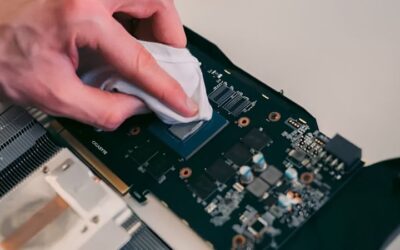
How to clean GPU fans safely to cut noise and lower temperatures. Hold the blades still, use compressed air the right way, and keep your card cool and quiet.
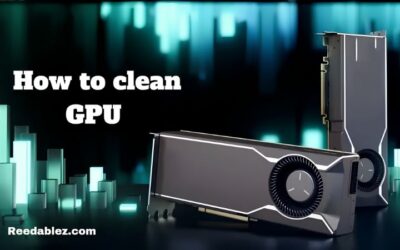
How to clean a GPU safely to lower temperatures and reduce noise. Use compressed air the right way, avoid common mistakes, and keep your graphics card cool.
How to check GPU health with free tools. Test temperatures, stability, and performance to catch problems early, and learn what to do if your card is failing.
How to test a used GPU before you buy. Inspect, stress test, and benchmark a second-hand card to spot hidden faults and avoid wasting money in a pricey market.
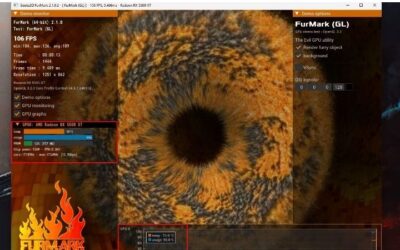
How to stress test a GPU to check stability and cooling. Use free tools to push your card hard, watch for artifacts and throttling, and confirm it is solid.
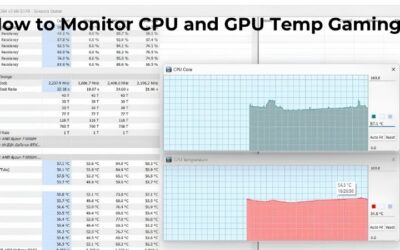
How to monitor GPU temp while gaming with a free live overlay. Set up MSI Afterburner, watch your temperature in real time, and act if your card runs too hot.
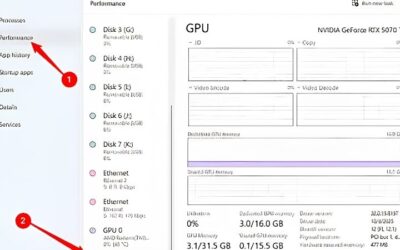
How to check GPU usage in Windows with Task Manager and free overlays. Learn what healthy GPU load looks like and how to spot a CPU bottleneck while gaming.
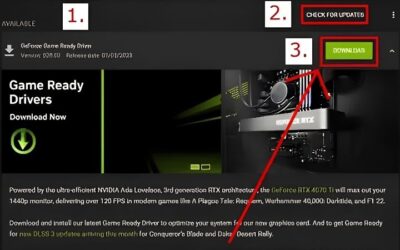
How to update Nvidia drivers the easy way with the Nvidia App, plus a manual download option. Keep your GPU fast and stable with the latest Game Ready drivers.
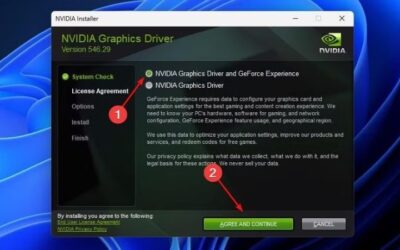
How to clean install Nvidia drivers to fix stutters, crashes, and glitches. A simple step-by-step guide using the clean install option and the free DDU tool.