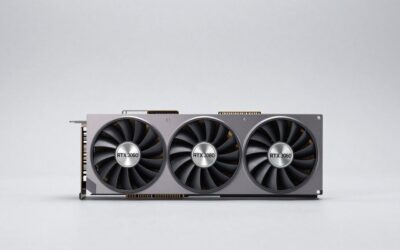
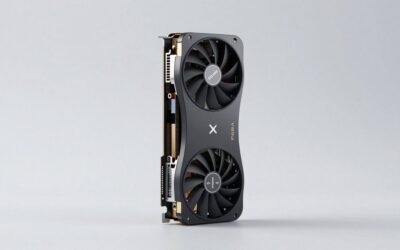
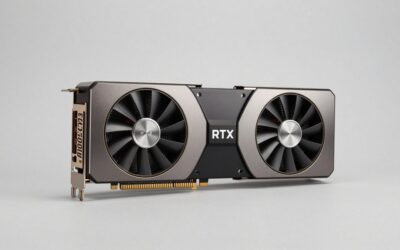
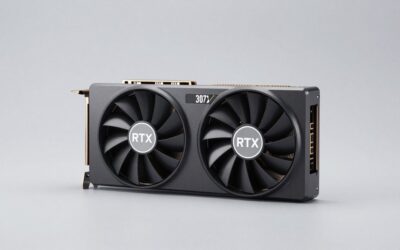
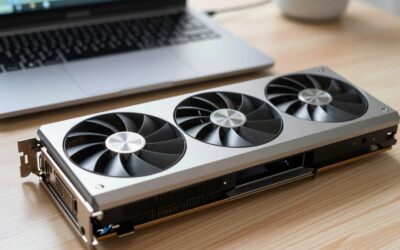
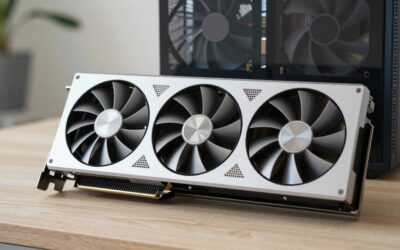
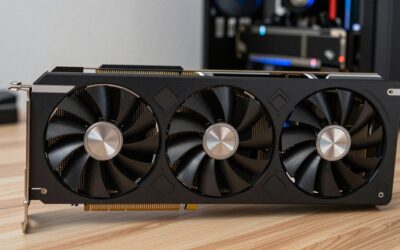
- Top Pick: MSI Gaming RTX 4070 TI Super 16G Expert Graphics Card (NVIDIA RTX 4070 Ti Super, 256-Bit, Boost Clock: 2685 MHz, 16GB GDRR6X 21 Gbps, HDMI/DP, Ada Lovelace Architecture) (Renewed)
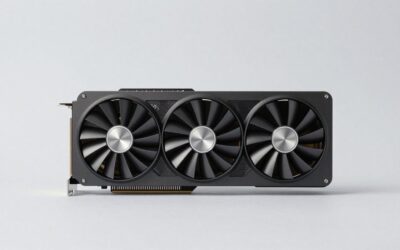
- Best Value: Gigabyte GeForce RTX 4070 Ti Super WINDFORCE OC Graphics Card – 2625MHz Core, 16GB GDDR6X 21000MHz 256-bit Memory, PCI-E 4.0, 3X DP 1.4, 1x HDMI 2.1a, NVIDIA DLSS 3.5, GV-N407TSWF3OC-16GD
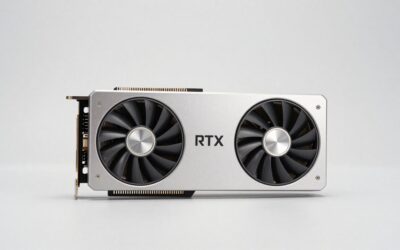
- Premium Choice: PNY GeForce RTX™ 4070 Ti Super 16GB XLR8 Gaming Verto™ Epic-X RGB™ OC Triple Fan Graphics Card DLSS 3 (ARGB, 256-bit, GDDR6X, PCIe 4.0, HDMI/DisplayPort, incl. Adapter & Support Bracket, 3.3 Slot)
The GeForce RTX 4070 Ti deserves an evaluation based on the games or applications you use and the computer it will join. Start with the complete board model, your display and the upgrade you want to achieve.
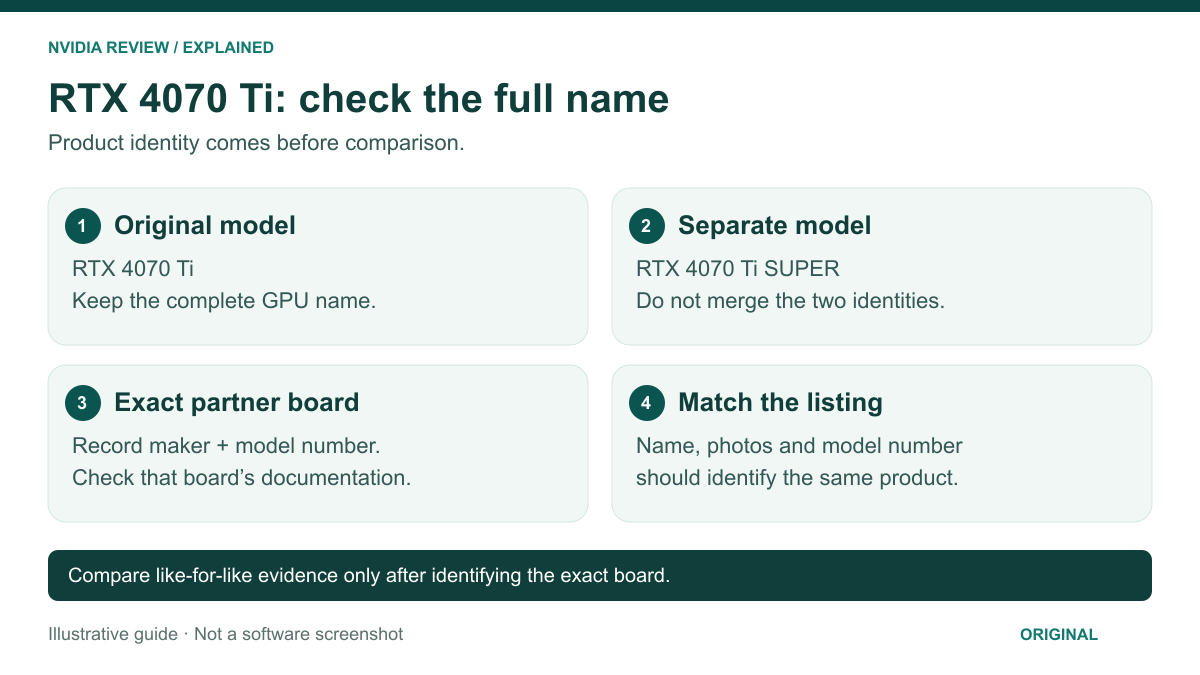
This RTX 4070 Ti review guide uses manufacturer specifications and explains how to assess published benchmark evidence. It is a buying guide rather than a hands-on performance test.
As an Amazon Associate we earn from qualifying purchases at no extra cost to you.


Identify the original RTX 4070 Ti
NVIDIA’s RTX 4070 family specifications list the RTX 4070 Ti with 7,680 CUDA cores and 12 GB of GDDR6X memory. The RTX 4070 Ti SUPER is a separate entry with 8,448 CUDA cores and 16 GB of GDDR6X memory. These names should not be shortened until the distinction disappears.
A partner’s product name adds another layer of identification. Record the manufacturer and complete board model, not just “RTX 4070 series.” Specifications for one cooler design or factory configuration should not be copied into a description of another. If the seller’s title, photographs and model number disagree, resolve that discrepancy before buying.
Define the upgrade you want
Start with the monitor resolution, the games you play and the settings you care about. Someone prioritizing competitive responsiveness has a different buying question from someone who values detailed single-player graphics. Write down the result you want to improve instead of treating a higher model number as the objective.
Also identify the current system. Processor, memory, software configuration and display choices all belong in the comparison. A graphics-card upgrade should address an actual limitation rather than substitute for investigating why a particular application is slow. This guide cannot predict the gain in an unspecified computer.
Read performance comparisons carefully
When consulting a benchmark, check the exact GPU, test system, game version, resolution and settings. Results collected with different conditions should not be treated as a direct head-to-head comparison. Average frame rate alone also leaves questions about consistency and the way the game feels to the player.
Keep native rendering, upscaling and generated-frame results clearly separated. A chart should explain which features are enabled rather than presenting every number as the same type of measurement. For your decision, favor evidence that reflects the modes you intend to use, not simply the largest headline figure.
Check the particular card against the case
Use the board manufacturer’s dimensions to check length, height and thickness. Account for nearby components and the space required by the documented power connection. The GPU name does not tell you whether a specific board will fit beside a front radiator or inside a compact case.
Confirm the connector and power-supply requirements for the exact product. Follow the manufacturer’s installation instructions and the power-supply maker’s cable guidance. Do not assume that a connector which looks similar is interchangeable, or that a generic wattage recommendation evaluates the rest of your system.
Compare partner features
Compare the documented display outputs, physical controls, warranty arrangements and supplied accessories. If quieter operation matters, look for a review of the actual board with a described noise-testing method. Cooler size, fan count or a premium label alone does not establish a measured noise result.
The same caution applies to temperature and overclocking claims. A published specification identifies a product feature; it does not prove a particular experience in your case. Avoid paying extra for a claim that has no clear connection to your workload or installation requirements.
Consider condition and total purchase terms
- Confirm whether the card is sold as new, used or refurbished.
- Match the full model number to the manufacturer’s documentation.
- Check the seller’s return period and any condition requirements.
- Ask how warranty service works for that seller and region.
- Include any documented supporting equipment needed for your system.
A low asking price is only one part of value. Missing accessories, unclear provenance or unsuitable return terms can change the decision. For a higher-priced version, identify the particular feature or service benefit that justifies the difference for your setup.
Who should keep it on the shortlist?
Keep the RTX 4070 Ti under consideration when evidence for your actual workload, compatibility checks and the available purchase terms support it. Compare alternatives using the same criteria, and resolve any unanswered installation questions before ordering.