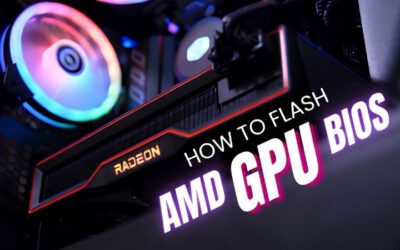
How to Flash GPU BIOS: A Careful Step-by-Step Safety Guide
Learn how to flash GPU BIOS safely. Back up first, verify the file matches your exact card, run nvflash, and know your recovery options. Full guide inside.
Browse our hands-on Drivers & Software reviews and buying guides for 2026. We test and rank the best drivers and software for real-world performance and value — with honest pros and cons, side-by-side comparisons, and top picks for every budget to help you choose with confidence.
Learn how to flash GPU BIOS safely. Back up first, verify the file matches your exact card, run nvflash, and know your recovery options. Full guide inside.

Learn how to turn on Frame Generation on RTX 40-series for up to double the displayed FPS. Enable DLSS first, flip FG, add Reflex — done in one minute.
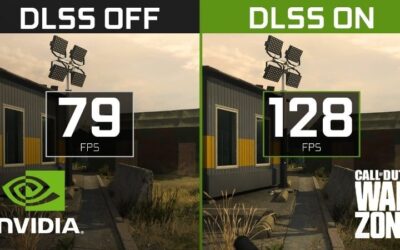
Learn how to enable DLSS in any supported game for a big FPS boost. Find the toggle, pick the right quality mode for your resolution, and verify the gain.
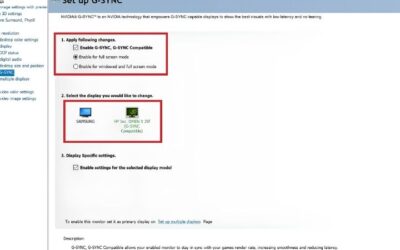
Tearing in games? Learn how to enable G-Sync in Nvidia Control Panel in under a minute. Exact menu path, V-Sync pairing, and verify step for smooth gameplay.
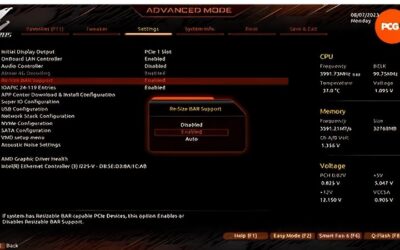
Learn how to enable Resizable BAR in BIOS for free FPS. Confirm CPU and board support, flip two toggles, verify in GPU-Z. Exact menu path inside.
Learn how to increase GPU performance with this ordered checklist — drivers, DLSS, undervolt, fan curve, overclock. Stack free gains before spending a cent.
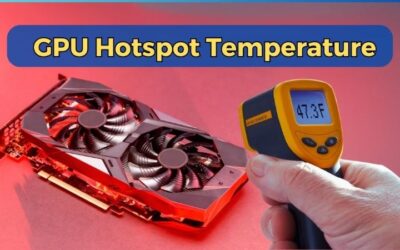
Hotspot 20°C above core? That delta means bad paste or uneven contact. Confirm it with one subtraction, then reseat and repaste to close it. Steps inside.
GPU running hot? Work through this free-to-paid checklist: clean, fan curve, undervolt, repaste. Most owners fix it before spending a cent. Start here now.
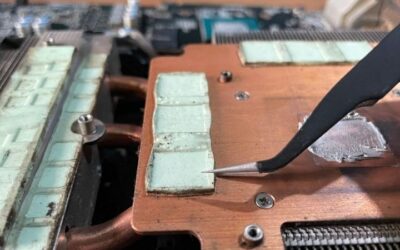
Learn how to replace GPU thermal pads step by step. Match the right thickness at every spot, follow a printable checklist, and drop memory temps 10-20°C.
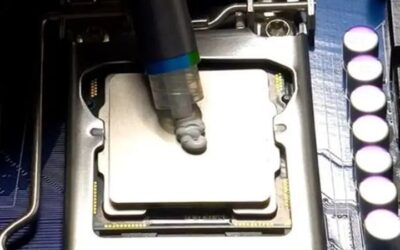
How to replace thermal paste on GPU: choose the right paste, apply the correct amount, handle the thermal pads, and lower temperatures with proper technique.