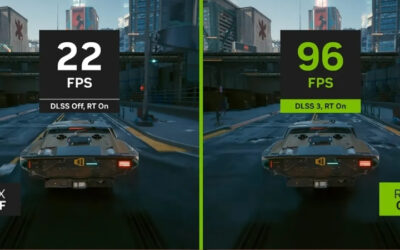
DLSS 4 Review: Is Nvidia’s Transformer AI Upscaler Worth It?
Our DLSS 4 review: the new transformer AI model, supported RTX GPUs, Multi Frame Generation, image quality, FPS gains and honest pros and cons before you buy.
Browse our hands-on Drivers & Software reviews and buying guides for 2026. We test and rank the best drivers and software for real-world performance and value — with honest pros and cons, side-by-side comparisons, and top picks for every budget to help you choose with confidence.
Our DLSS 4 review: the new transformer AI model, supported RTX GPUs, Multi Frame Generation, image quality, FPS gains and honest pros and cons before you buy.
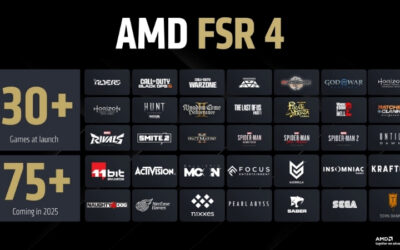
Our AMD FSR 4 review covers the new AI upscaler: supported GPUs, image quality, real FPS gains, FSR 4 vs DLSS 4, plus honest pros and cons before you upgrade.
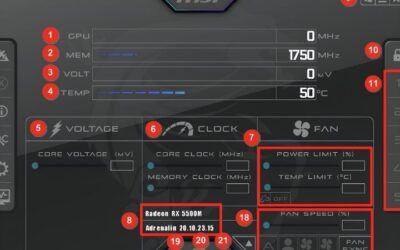
Learn how to overclock GPU with MSI Afterburner safely. Raise core +25 MHz, memory +50 MHz, stress test each step, and save the stable profile. Full guide.
Learn how to undervolt with MSI Afterburner step by step. Ctrl+F, drag one point, flatten the curve, apply and test. Sample values and a fill-in table inside.
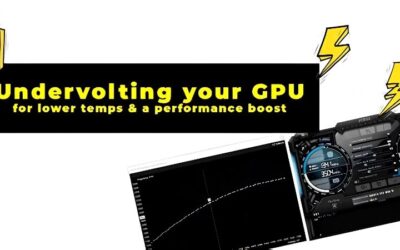
Learn how to undervolt Nvidia GPU for less heat, less noise, and the same clocks. Start 50 mV below stock, stress test in 25 mV steps, and save the profile.
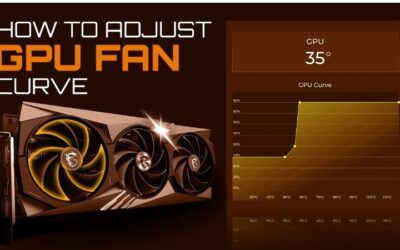
Learn how to set GPU fan curve in MSI Afterburner. Copy this sample table — 0% at 40°C to 100% at 80°C — then tune for your noise and temperature balance.
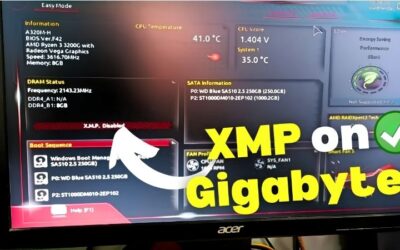
Learn how to enable XMP for GPU gaming. XMP speeds up your RAM in BIOS, the CPU feeds frames faster, and your GPU gains smoother minimums. Two-minute setup.
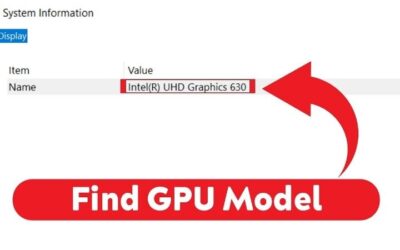
Learn how to find GPU model in 10 seconds: Ctrl+Shift+Esc, Performance tab, click GPU — done. Need full specs like chip and BIOS? Use GPU-Z for free.
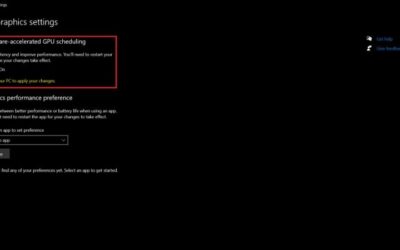
Learn how to enable hardware accelerated GPU scheduling in Windows. Find the toggle, flip it, restart. Exact path for Windows 10 and 11 plus verify steps.
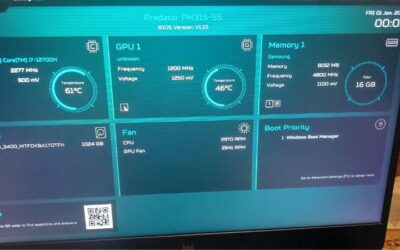
Learn how to check GPU BIOS version in seconds. GPU-Z shows it in one click, Nvidia Control Panel needs no download, and nvidia-smi works from the terminal.