
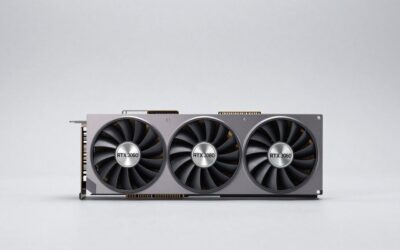
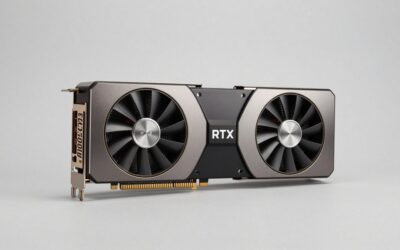
- Top Pick: XRHDTQVVIG ROG Matrix Platinum GeForce RTX 5090 OC 30th-Anniversary Edition Gaming Graphics Card 32GB GDDR7, PCIe 5.0, 512-bit, Liquid Metal Cooling, DisplayPort 2.1b, HDMI 2.1b, MTX5090P32G30TH
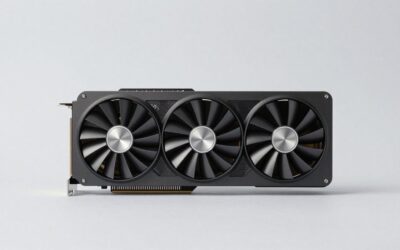
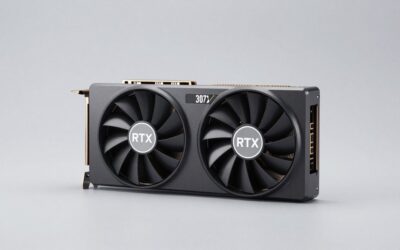
- Best Value: ASUS ROG Astral GeForce RTX 5090 32GB GDDR7 OC Edition Gaming Graphics Card
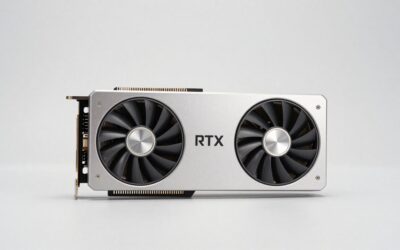
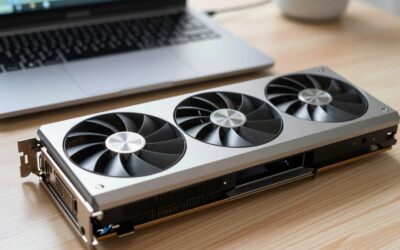
- Premium Choice: ASUS ROG Astral GeForce RTX 5090 32GB GDDR7 White OC Edition Gaming Quad Fan Graphics Card (NVIDIA DLSS 4, 3.8 Slot Design, PCIe 5.0, 3X DP 2.1b, 2X HDMI 2.1b, White)
Nobody buys an RTX 5090 by accident. The card launched at a $1,999 MSRP, draws up to 575W, and carries 32GB of GDDR7, which makes it the only consumer GeForce with more than 24GB of memory. Whatever the retail listing says today, you are committing to a bigger case, a bigger power supply, and a monitor that can use the output. So the useful question is not which 5090 sounds best, but which buyer profile you fit and what that profile needs from the card.
This list is organized by that question. Each pick below is a type of 5090 purchase, with the reasoning behind it and the point at which you should walk away. Since the GPU itself is the same across brands, the differences come down to cooler size, noise, and how well the card suits your case.
As an Amazon Associate we earn from qualifying purchases at no extra cost to you.





The Short Table: Match Your Use to a 5090 Type
| Your situation | Choose | What to watch |
|---|---|---|
| 4K at high refresh, single player | Large air-cooled triple-fan model | Case clearance and power supply wattage |
| Local AI models and creative work | Any 5090 with solid cooling | 32GB is the reason to buy, not clocks |
| Compact high-end build | Water-cooled or slim variant | Radiator space, tube length, mounting |
| Maximum tuning headroom | Highest-binned, high power limit board | Small gains, high cost, high heat |
| Want 4090-class memory at lower spend | Skip the 5090 | Consider RTX 5080 or an RTX 4090 |
Launch MSRP for the 5090 was $1,999. Listings vary, so confirm the price on the page you are looking at before you decide.
What Gets a Card on This List
Because the top end is a small, expensive market, the filters here are blunt. The card needs to be a full RTX 5090 with 32GB, not a lesser model. It needs a cooler credible for a 575W part, which rules out designs built for 300W cards. And it should come with a power-cable solution that matches the 12V-2×6 standard. Benchmark figures are left out except for broad statements: launch reviews from outlets such as Tom’s Hardware and TechPowerUp showed the 5090 well ahead of the 4090 in raw rendering, with the lead widest at 4K and narrowest at lower resolutions where the CPU limits the result.
Five Ways to Buy an RTX 5090
The big air-cooled model for 4K gaming
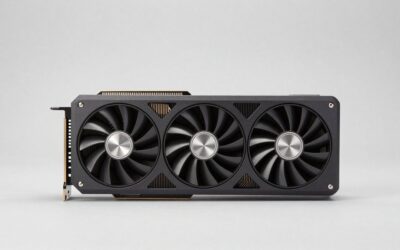
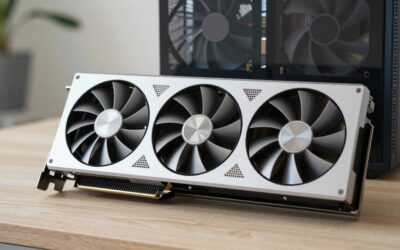
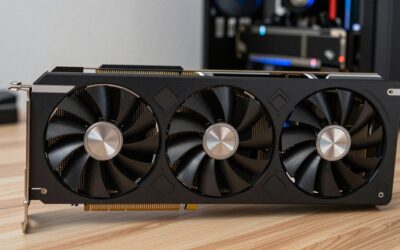
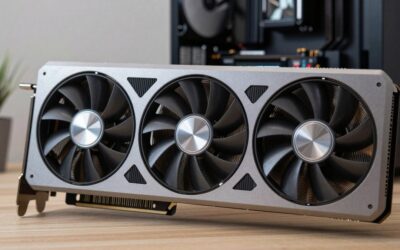
If your goal is a smooth 4K picture with ray tracing on, a large triple-fan card is the traditional answer. These cards are usually three and a half slots thick, so measure the space between your GPU slot and the next component before ordering.
- No extra plumbing, a single card to install.
- DLSS 4 with multi frame generation is available on this generation only.
- Con: it is heavy, and you will want an anti-sag bracket.
Skip it if you play on a 1440p monitor at 144Hz. A card that costs half as much will already saturate that screen in most titles.
The 32GB buyer: AI and creative workloads
This is the buyer for whom the 5090 is simply the only choice. Larger language models, high-resolution diffusion pipelines, and 3D scenes eat memory, and 32GB leaves headroom the 24GB cards lack. For these workloads memory capacity matters more than which factory overclock you picked.
- Doubles the practical model size you can keep on a single card compared with 16GB cards.
- Memory bandwidth from GDDR7 helps data-hungry jobs.
- Con: 575W of board power makes sustained workloads hot and loud without a good chassis.
Skip it if your models fit in 16GB or 24GB today. The money is better spent elsewhere.
The liquid-cooled or slimmed-down variant
Some partners offer closed-loop versions with a radiator, and others shrink the air cooler as far as physics allows. These can make a 5090 workable in a smaller chassis, but you must plan the radiator mount.
- Quieter and cooler under long sessions when the radiator has good airflow.
- Frees up slot space next to the card.
- Con: tube length and radiator size can conflict with your case layout.
Skip it if your case lacks a free 240mm or similar radiator spot, since the card will not install cleanly.
The tuned, high-power-limit board
Overclocking-oriented 5090s allow higher power limits and use the best chips. Gains are typically a few percent, and every extra watt becomes heat in a case already handling 575W.
- Best cooling hardware in the brand’s lineup.
- Appeals to people who enjoy tuning.
- Con: the price premium is large compared with the measurable benefit.
Skip it if you will not touch the voltage curve. A stock-clocked model with the same cooler type will feel the same in play.
The honest “don’t buy” pick
For many readers searching this phrase, the right answer is another card. The RTX 5080 has 16GB, a 360W rating, and a launch MSRP of $999. The RTX 4090 has 24GB, a 450W rating, and a $1,599 launch MSRP. Both are more manageable for most cases and power supplies.
- Lower power draw and lower heat.
- Fits in more cases.
- Con: less memory and a lower performance ceiling at 4K.
Skip this advice if your work needs 32GB, in which case nothing else on the consumer side substitutes for the 5090.
Before You Click Buy
Power: the 575W question
NVIDIA’s published guidance for the 5090 has centered on a 1000W power supply. Check the card’s spec page and add your CPU’s draw to the total. The 12V-2×6 connector has to be fully seated, and the cable should not be bent hard right next to the plug. Previous high-power cards drew attention when connectors were not fully inserted, so treat the install as a careful job, not a quick one.
Case and cooling
A 575W card dumps a lot of heat into the case. Good front intake and exhaust, a mesh front panel, and enough room around the card matter more than buying a more expensive 5090 model. Measure length and thickness against your case’s GPU clearance, and leave a gap between the card and the glass panel.
CPU and monitor pairing
At 1080p and 1440p the card often waits on the processor. A Ryzen 5 5600X or a 10th-gen Intel chip can hold it back noticeably in those resolutions. A 5090 makes the most sense when you play at 4K or when the GPU workload outweighs the CPU workload, as in rendering and AI jobs.
Where This Leaves You
If you need 32GB of memory or you play at 4K with every setting maxed, the RTX 5090 is the only card that fits those two cases, and in 2026 it is still the standard against which every other consumer GPU is measured. Pick the cooler design that fits your case rather than the one with the most impressive spec sheet. If neither of those conditions applies, step down to the 5080 and spend the difference on a better monitor or CPU.
Common Questions
How much VRAM does the RTX 5090 have?
32GB of GDDR7, which is more than any other card in the RTX 50 desktop lineup.
What power supply does an RTX 5090 need?
The board power is rated at 575W and NVIDIA’s guidance has pointed to roughly a 1000W unit. Check the spec page for the exact recommendation and account for your CPU.
Is the 5090 worth it over the 4090?
It adds memory (32GB versus 24GB), more throughput, and DLSS 4 multi frame generation. The launch MSRP was $1,999 against $1,599 for the 4090, so the step up is worth it mainly for heavy 4K or large-memory workloads.
Can I run a 5090 in a small case?
Only with a variant designed for it, such as a liquid-cooled version, and only if the radiator and cable routing fit. Most full-size 5090s need a large mid-tower or full tower.
Ready to decide? Our #1 pick for 2026 is the 4K at high refresh, single player.
Live price & availability on Amazon.

Write Your Review
No reviews yet. Be the first to share your experience!