GeForce Experience Alternative: Best Lightweight Options
GeForce Experience alternative options reviewed: keep your GPU drivers current without the forced login or bloat, from the NVIDIA App to lean third-party tools.
Browse our hands-on Drivers & Software reviews and buying guides for 2026. We test and rank the best drivers and software for real-world performance and value — with honest pros and cons, side-by-side comparisons, and top picks for every budget to help you choose with confidence.
GeForce Experience alternative options reviewed: keep your GPU drivers current without the forced login or bloat, from the NVIDIA App to lean third-party tools.
NVIDIA App download guide and review: grab the official installer safely, dodge fake links, see what replaced GeForce Experience, and whether it is worth it.
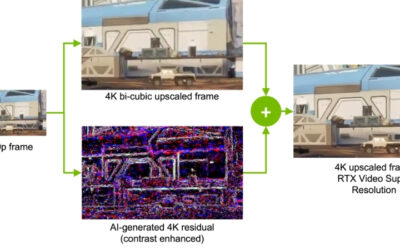
NVIDIA RTX Video Super Resolution review: does AI upscaling really sharpen blurry, low-res streams on any site? Which RTX GPUs support it, and is it worth it?
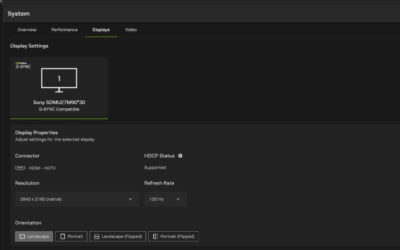
RTX HDR settings walkthrough for new HDR monitor owners: the exact values for peak brightness, contrast, and saturation, plus how it beats Windows Auto HDR.

Our Intel XeSS review: how the upscaler works, XMX vs DP4a quality paths, XeSS 2 frame generation, cross-vendor support, and how it compares to DLSS and FSR.
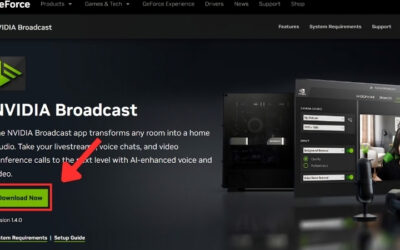
Our Nvidia Broadcast download review: how to get the free app, RTX requirements, AI noise removal, virtual background and effects, plus honest pros and cons.
Our Intel Arc drivers review: how they matured from a rocky launch, how to update them, game compatibility, key settings, and honest pros and cons for buyers.
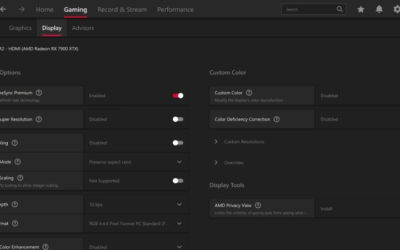
Our AMD Adrenalin settings guide: the best options to enable for performance and image quality, HYPR-RX, tuning tips, and honest pros and cons for Radeon fans.
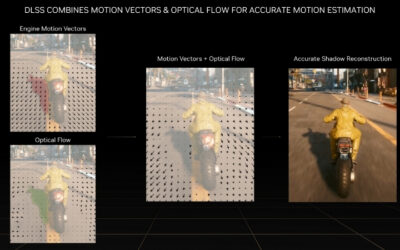
Our Nvidia Frame Generation review: how DLSS frame gen works, supported RTX GPUs, real FPS gains, latency and image quality, plus honest pros and cons to weigh.
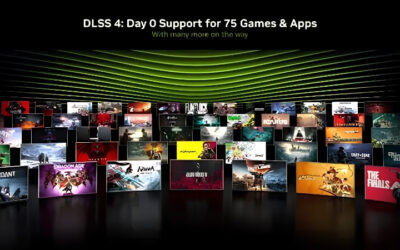
Our DLSS 4 Multi Frame Generation review: how it hits up to 4x FPS, RTX 50 exclusivity, latency, image quality and honest pros and cons before you upgrade.